Complete Guide to WhatsApp Business Integration in 2026
Key Takeaways
- WhatsApp has 2+ billion users with 98% message open rates - far exceeding email's 20% open rate, making it essential for customer communication
- Three integration levels exist: WhatsApp Business App (free, basic), WhatsApp Business API (scalable, requires provider), and unified platforms like Dewx
- CRM integration is critical - connecting WhatsApp to your CRM unlocks automated workflows, contact history, and team collaboration
- AI-powered responses can handle 40-60% of common inquiries automatically, freeing your team for complex conversations
- Compliance matters - you need customer opt-in for marketing messages and must respect WhatsApp's 24-hour messaging window rules
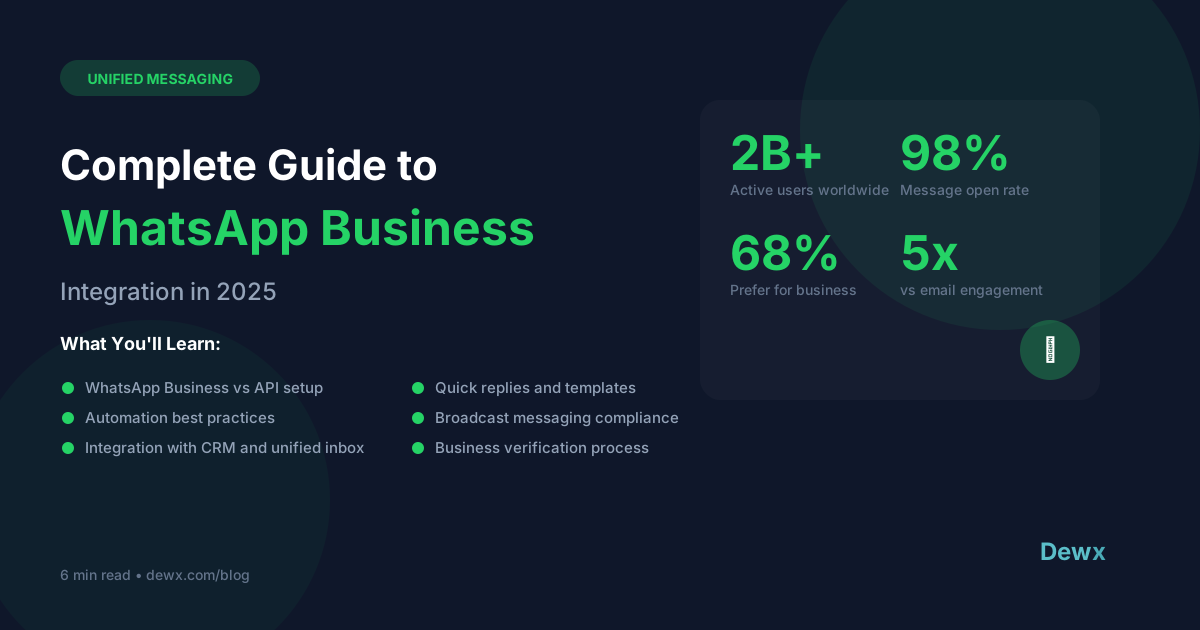
WhatsApp Business has become essential for customer communication. With over 2 billion active users and a 98% message open rate (compared to 20% for email), it's not just another channel - it's often the primary way customers want to communicate.
But simply having a WhatsApp Business account isn't enough. Real value comes from integration - connecting WhatsApp to your CRM, automating responses, and managing conversations alongside your other channels.
This guide covers everything from basic setup to advanced integration strategies.
Why WhatsApp Business Matters in 2026
The Numbers
- 2+ billion active users globally
- 98% message open rate (vs. 20% for email)
- 90% of messages read within 3 minutes of delivery
- 68% of users say WhatsApp is the easiest way to contact a business
- Average response expectation: Under 1 hour (vs. 24 hours for email)
Regional Dominance
WhatsApp dominates customer communication in:
- Europe: Primary business messaging channel
- Latin America: 95%+ penetration in countries like Brazil
- India & Southeast Asia: Preferred over SMS and email
- Middle East & Africa: Primary mobile communication
If you serve customers in these regions, WhatsApp isn't optional - it's expected.
Business Impact
Companies using WhatsApp Business report:
- 40% faster first response times compared to email
- 25-35% increase in customer satisfaction scores
- 20-30% reduction in support ticket volume (when combined with automation)
- Higher conversion rates for sales conversations started on WhatsApp
Understanding Your Integration Options
Option 1: WhatsApp Business App (Free)
Best for: Solo businesses, very small teams, testing the waters
Features:
- Business profile (description, hours, address)
- Catalog of products/services
- Quick replies and away messages
- Labels for conversation organization
- Basic analytics
Limitations:
- One device only (web companion available)
- No CRM integration
- No automation beyond basic quick replies
- Limited team collaboration
- 256 person broadcast limit
Option 2: WhatsApp Business API
Best for: Businesses needing scale, automation, and CRM integration
Features:
- Unlimited team members
- CRM integration
- Automated workflows and chatbots
- Message templates for outbound marketing
- Detailed analytics
- Multiple numbers/departments
Requirements:
- Business verification
- Official Solution Provider (like Dewx, Twilio, or MessageBird)
- Technical setup or managed platform
- Pricing per conversation/message
Option 3: Unified Communication Platforms
Best for: Businesses wanting WhatsApp integrated with all channels
Platforms like Dewx Portal integrate WhatsApp alongside Gmail, LinkedIn, Instagram, and more. Benefits:
- Single inbox for all channels
- Unified contact profiles
- Cross-channel conversation history
- AI assistance across all messages
- Team collaboration features
- One subscription vs. multiple tools
Setting Up WhatsApp Business API (Step-by-Step)
Step 1: Choose Your Solution Provider
Options include:
- Dewx - Unified business platform with native WhatsApp integration
- Twilio - Developer-focused API
- MessageBird - Enterprise communication platform
- 360dialog - WhatsApp-specialized provider
Step 2: Business Verification
WhatsApp requires verification to prevent spam. You'll need:
- Business registration documents
- Working website with your business details
- Phone number not already on WhatsApp
- Facebook Business Manager account
Verification typically takes 2-7 business days.
Step 3: Set Up Your Business Profile
Create a compelling profile:
- Business name: Official registered name
- Profile photo: Logo or professional image
- Description: What you do (500 characters)
- Category: Select your industry
- Business hours: When you're available
- Address: Physical location if applicable
- Email & website: Contact details
Step 4: Create Message Templates
For proactive outbound messages (not responses), you need pre-approved templates:
- Submit templates through your provider
- Include clear opt-out instructions
- Avoid promotional language in utility templates
- Allow 24-48 hours for approval
Step 5: Connect to Your Systems
Integrate WhatsApp with:
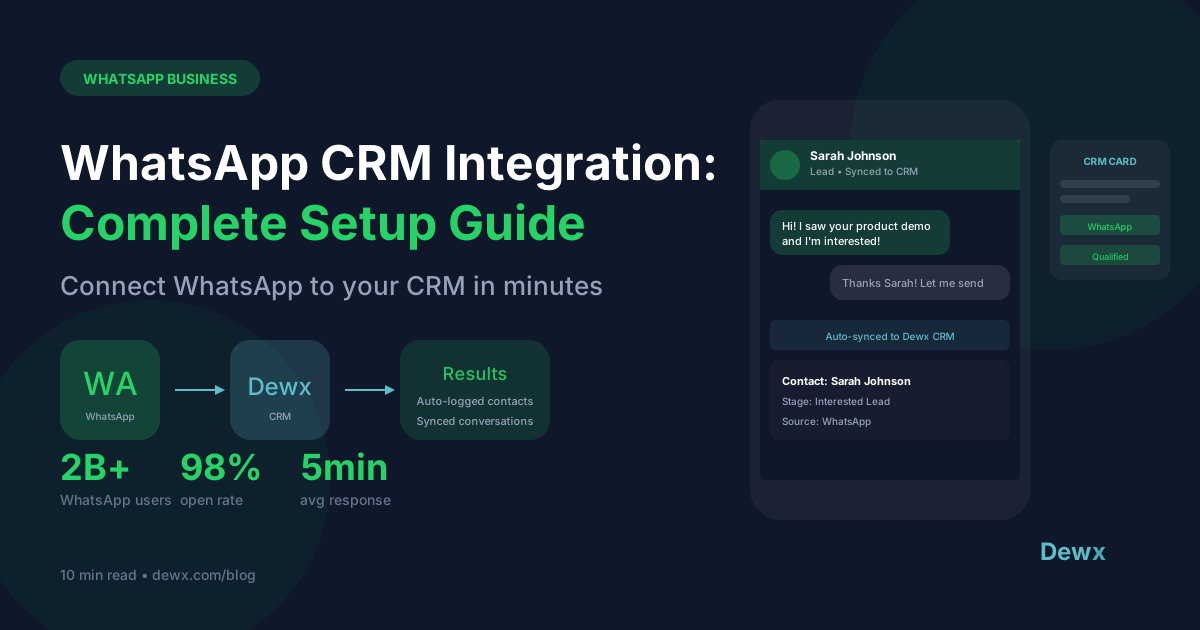
- CRM - Log conversations to contact records
- Help desk - Convert messages to tickets
- E-commerce - Order updates and notifications
- Marketing automation - Triggered campaigns
WhatsApp Automation Best Practices
1. Welcome Messages
First impressions matter. Configure automatic greetings:
Hi! Thanks for reaching out to [Business Name]. 👋

How can we help you today?

• Sales inquiries
• Support questions
• Order status
• General information

A team member will respond within [timeframe].
2. Away Messages
Set expectations when unavailable:
Thanks for your message! Our team is currently away.

Hours: Monday-Friday, 9am-6pm [timezone]

We'll respond first thing tomorrow. For urgent matters, email [urgent@company.com].
3. Quick Replies
Save time with templates for common questions:
- Pricing inquiries
- Business hours
- Directions/location
- Product availability
- Return policies
4. AI-Powered Responses
Modern platforms like Dewx use AI to:
- Suggest responses based on context
- Auto-categorize conversations
- Handle common inquiries automatically
- Escalate complex issues to humans
- Provide 24/7 initial response
5. Chatbot Flows
For higher volume, build conversation flows:
- FAQ bots that answer common questions
- Appointment booking bots
- Order tracking bots
- Lead qualification bots
CRM Integration: The Game-Changer
Why It Matters
Without CRM integration, WhatsApp becomes another silo:
- No connection to customer history
- Manual data entry required
- Team can't see full context
- No tracking of conversation outcomes
What Good Integration Looks Like
- Automatic contact creation: New WhatsApp conversations create CRM contacts
- Conversation logging: Messages saved to contact records
- Deal association: Link conversations to opportunities
- Activity tracking: WhatsApp counts toward engagement metrics
- Workflow triggers: Messages can start automations
Dewx Approach
Dewx GTM Hub provides native WhatsApp-CRM integration:
- Conversations automatically logged to contacts
- Deal stages update from conversation context
- Dew AI can update CRM from natural language commands
- Full history visible when customer contacts you on any channel
Compliance & Best Practices
Opt-In Requirements
- Get explicit consent before sending marketing messages
- Provide clear opt-out mechanisms
- Document consent for compliance
- Respect opt-outs immediately
24-Hour Window
WhatsApp's messaging rules:
- You can respond freely within 24 hours of customer's last message
- After 24 hours, you must use approved message templates
- Templates require approval and can incur charges
Data Protection
- Store conversation data securely
- Comply with GDPR, CCPA as applicable
- Provide data deletion on request
- Train team on privacy requirements
Getting Started with Dewx
Sign up free and connect WhatsApp in minutes:
- Link your WhatsApp Business account
- Import existing conversations
- Configure team access
- Set up automations
- Start messaging from your unified inbox
See our pricing for team plans with advanced automation and CRM features.
Frequently Asked Questions
Can I use my existing WhatsApp number?
You can migrate an existing number to WhatsApp Business API, but it will disconnect from the regular WhatsApp or WhatsApp Business App. Many businesses use a dedicated number for their business account.
How much does WhatsApp Business API cost?
WhatsApp charges per conversation (not per message), with pricing varying by country and conversation type. Through platforms like Dewx, you typically pay a subscription that includes a conversation allocation.
Can multiple team members use the same WhatsApp number?
Yes, with WhatsApp Business API through a platform like Dewx. The basic WhatsApp Business App is limited to one device (plus web companion).
Is WhatsApp Business HIPAA compliant?
The standard WhatsApp Business API is not HIPAA compliant. Healthcare businesses should consult with compliance experts before using WhatsApp for patient communication.
How do I migrate from WhatsApp Business App to API?
Most solution providers offer migration assistance. You'll port your number, verify your business, and set up the API integration. Conversation history from the app doesn't transfer automatically.
Related: WhatsApp Integration | Portal Unified Inbox | Complete Unified Inbox Guide