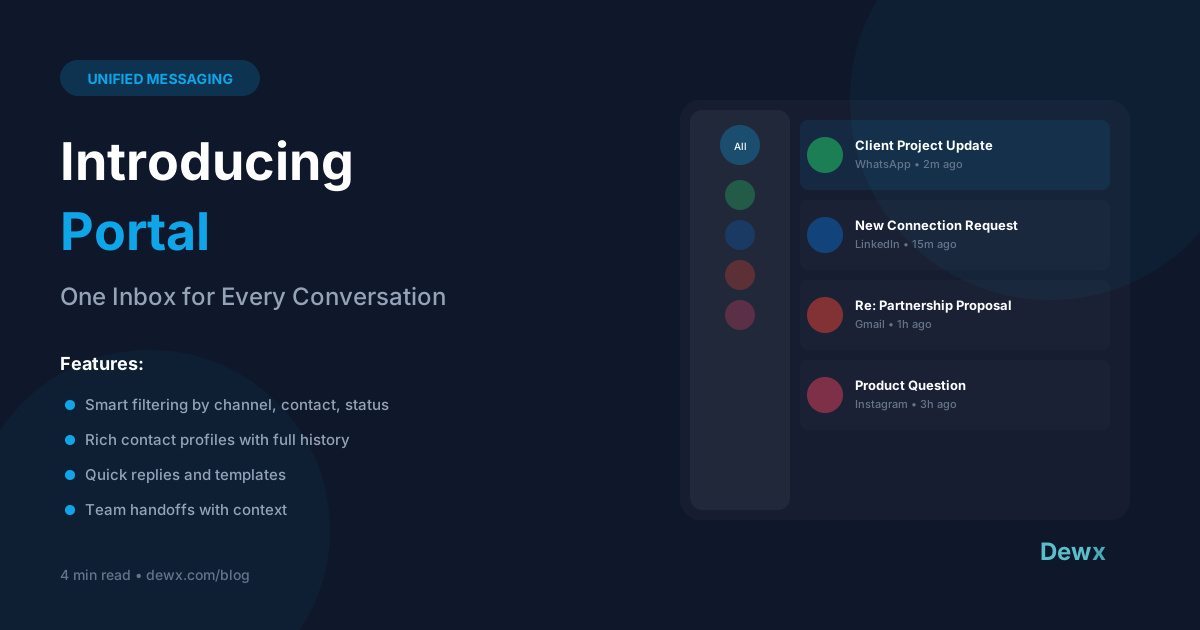
Introducing Portal: One Inbox for Every Conversation
Key Takeaways
- Portal unifies WhatsApp, LinkedIn, Gmail, Instagram, and Outlook into a single clean interface - no more tab switching
- Business professionals spend 4+ hours daily on messaging across different platforms; Portal cuts this in half
- Complete contact profiles show conversation history across ALL channels in one place
- AI-powered features including smart replies, conversation summaries, and automatic CRM logging
- Team collaboration built-in with conversation assignment, internal notes, and shared templates
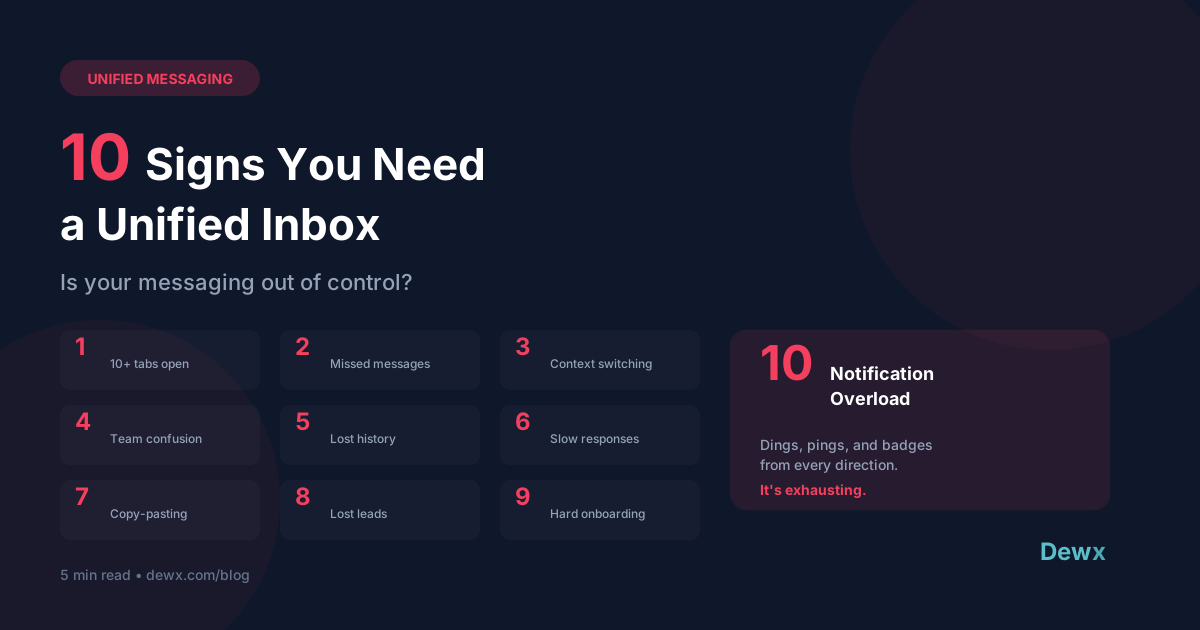
How many tabs do you have open right now just for messaging? WhatsApp Web, LinkedIn, Gmail, maybe Instagram DMs?
We built Portal to solve this exact problem. One inbox. Every channel. Zero chaos.
The Messaging Chaos Problem
Let's be honest about what modern business communication looks like:
- WhatsApp - Quick client messages, voice notes, group chats
- LinkedIn - B2B connections, InMail from prospects, networking
- Gmail - Formal communication, contracts, detailed discussions
- Instagram - DMs from customers, comment responses, influencer outreach
- Outlook - Work email, calendar invites, corporate communication
- And more - SMS, Telegram, Twitter DMs, Facebook Messenger...
The average knowledge worker switches apps 300+ times per day. Each switch costs 23 minutes of focused productivity according to University of California research. That's not sustainable.
What is Portal?
Portal is Dewx's unified inbox that brings all your messaging channels into one place. Not a dashboard that shows notifications - a full-featured inbox where you can read, reply, search, and manage every conversation.
Supported Channels
- WhatsApp Business - Full integration with message history, voice notes, and media
- LinkedIn - Messages, InMail, and connection requests
- Gmail - Complete email with threads, attachments, and drafts
- Instagram - DMs, story replies, and comment management
- Outlook - Microsoft 365 and personal Outlook accounts
- More coming - We're constantly adding channels based on user demand
Key Features That Actually Matter
Universal Search
Find any conversation from any channel in seconds. Search by contact name, keyword, date range, or channel. No more "which app did they message me on?"
Smart Contact Profiles
Every contact gets a unified profile showing:
- Complete conversation history across ALL channels
- Contact details and social profiles
- CRM data (if connected to GTM Hub)
- Tags, notes, and custom fields
- Deal/project associations
When John messages you on WhatsApp, you instantly see your entire relationship - including the LinkedIn messages from last month and the email thread from yesterday.
Conversation Organization
- Smart Filters - Filter by channel, contact type, tag, read status, or assignee
- Custom Views - Create saved views like "Urgent", "Leads", "Support Requests"
- Conversation Tags - Organize with custom labels across all channels
- Pin & Snooze - Keep important threads visible, snooze non-urgent ones
AI-Powered Features
Portal integrates with Dew, our AI assistant:
- Smart Replies - Suggested responses based on conversation context
- Conversation Summaries - Long threads condensed into key points
- Sentiment Analysis - Know if a contact sounds frustrated or happy
- Auto-Categorization - Messages automatically tagged as lead, support, etc.
- Draft Generation - "Dew, draft a follow-up to John about the proposal"
Team Collaboration
Perfect for agencies and teams:
- Conversation Assignment - Route conversations to the right team member
- Internal Notes - Add context that only your team sees
- Shared Templates - Team-wide quick replies for consistency
- Collision Detection - Know when a teammate is replying to avoid duplicates
- Activity Feed - See who did what across all conversations
Real Results: Time Savings
The numbers speak for themselves:
| Without Portal | With Portal |
|---|---|
| Check 5+ apps for messages | Check 1 inbox |
| 4+ hours daily on messaging | ~2 hours daily |
| Lost conversations | Zero dropped threads |
| No unified search | Find anything instantly |
| Manual CRM updates | Automatic logging |
One agency using Portal reported:
- 40% faster response times - No more digging through apps
- Zero dropped client messages - Everything in one place
- 2 hours saved per person per day - That's 10+ hours per week
How Portal Connects to Everything Else
Portal isn't a standalone tool - it's the communication hub of the entire Dewx platform:
- GTM Hub Integration - Conversations automatically logged to CRM contacts and deals
- CX Hub Integration - Support requests become tickets, project discussions link to tasks
- OPS Hub Integration - Invoice discussions link to finance records
- Dew AI - Works across Portal and all other hubs for unified intelligence
This connectivity is what makes Portal fundamentally different from standalone unified inbox tools. It's not just consolidating messages - it's integrating communication into your entire business workflow.
Getting Started
- Connect your accounts - OAuth integration takes 2 minutes per channel
- Import history - Portal pulls in existing conversations
- Set up team - Invite members and configure routing rules
- Start messaging - All replies go out on the original channel
No migration headaches. No data loss. Just unified messaging from day one.
Try Portal Free
Ready to escape messaging chaos? Sign up free and connect your first channel today.
Want to see Portal in action? Check out our plans or learn how it all works together.
Frequently Asked Questions
Will my contacts know I'm using Portal?
No. Messages appear exactly as if you sent them directly from WhatsApp, LinkedIn, Gmail, or whatever channel they're on. Portal is invisible to your contacts - they just see faster, better responses.
Can I disconnect a channel later?
Yes. You can connect and disconnect channels anytime. Your conversation history stays in Portal, and you can reconnect whenever you want.
Does Portal work on mobile?
Absolutely. Portal has native iOS and Android apps plus a responsive web interface. Your unified inbox goes everywhere you do.
How is this different from Helpdesk tools like Zendesk or Intercom?
Those are designed for support tickets with a customer-facing interface. Portal is YOUR inbox - unified messaging for sales, relationships, networking, and support. It's personal communication at scale, not a ticket queue.
What about WhatsApp Business API vs. WhatsApp Web?
Portal supports both. For small volumes, we integrate via WhatsApp Web (no API setup needed). For high-volume business use, we support the official WhatsApp Business API with all its features including templates and broadcasts.
Related: Why we built Dewx | Meet Dew AI Assistant | WhatsApp Integration Guide