LinkedIn Messaging Best Practices for B2B Sales in 2026
Key Takeaways
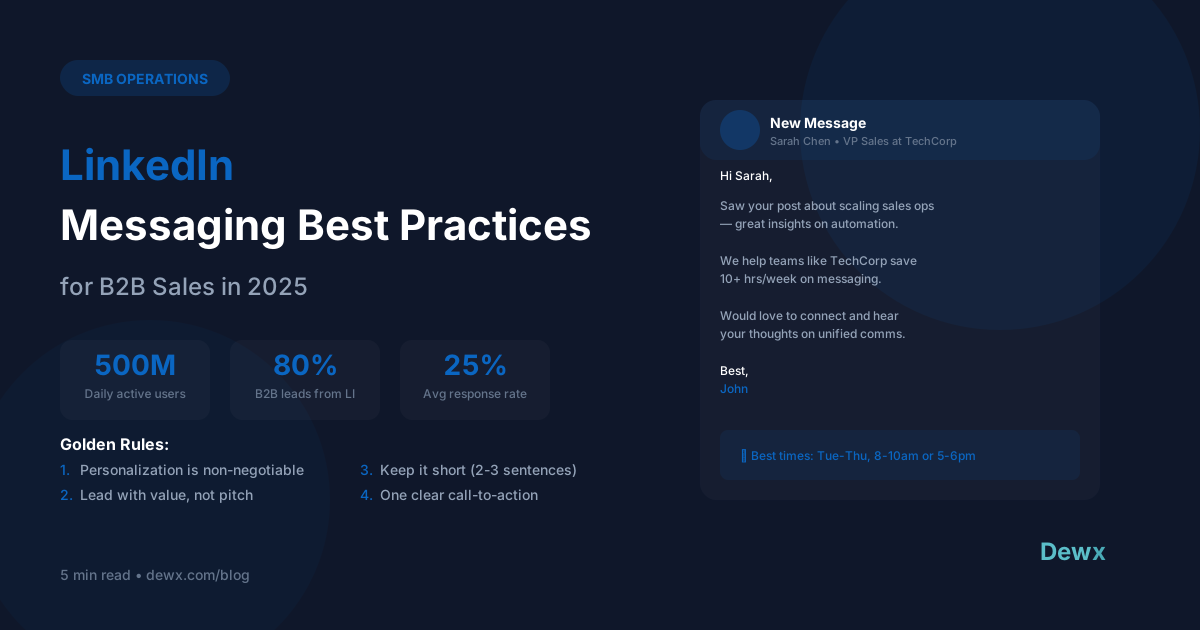
- 80% of B2B leads come from LinkedIn but average response rates are only 10-25% - the right approach can double or triple this
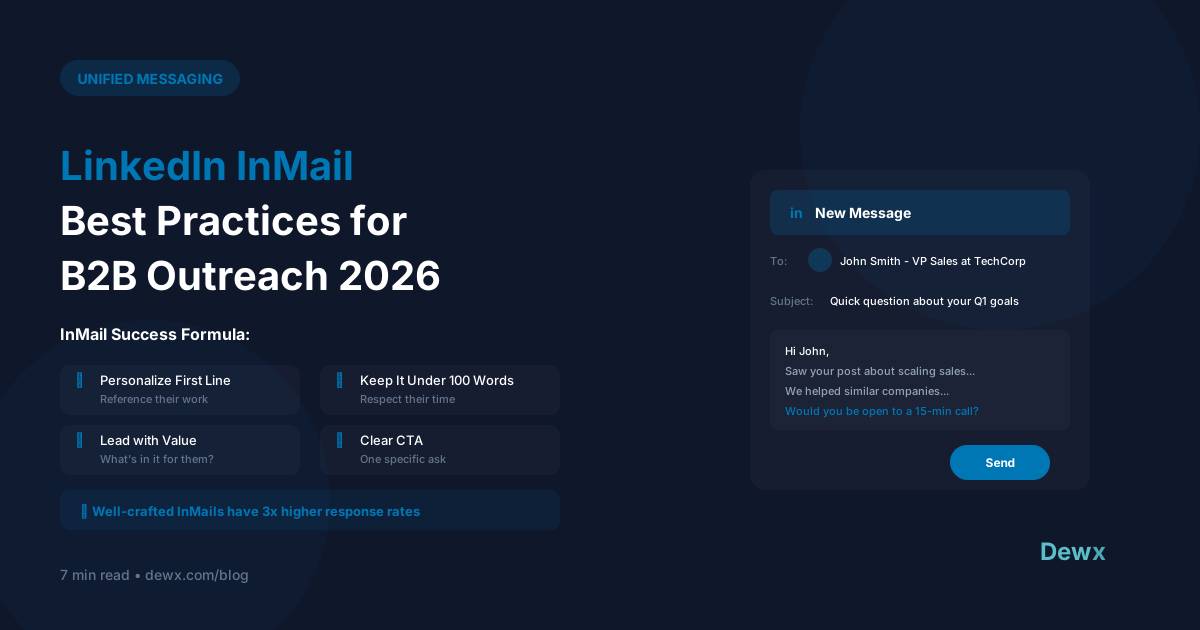
- Personalization is non-negotiable - reference their recent post, company news, or a shared connection
- Lead with value, not a pitch - your first message should offer something useful, not ask for a meeting
- Keep messages under 3 sentences - LinkedIn is often checked on mobile; brevity wins
- Tuesday-Thursday, 8-10 AM are the best times to send messages for maximum engagement
LinkedIn is the #1 platform for B2B sales. With 80% of B2B leads originating from LinkedIn, it's not optional for sales professionals - it's essential.
But most people use it wrong. Generic connection requests. Immediate sales pitches. Long messages nobody reads.
Here's how to stand out and actually get responses.
The State of LinkedIn Messaging in 2026
The numbers tell the story:
- 1 billion members (500M+ active daily users)
- 80% of B2B leads come from LinkedIn
- Average response rate is just 10-25%
- 97% of B2B marketers use LinkedIn for content marketing
- 40% of users log in daily
The opportunity is massive. The competition is fierce. The difference maker? Strategy.
The Golden Rules of LinkedIn Messaging
1. Personalization is Non-Negotiable
Generic messages like "I'd love to connect" have a ~5% acceptance rate. Personalized messages can hit 30-40%.
What to reference:
- Their recent post - "Your take on [topic] resonated..."
- Company news - "Congratulations on the Series B..."
- Mutual connection - "[Name] mentioned your work on..."
- Industry challenge - "Many [their role] are struggling with [specific problem]..."
- Their content - "I've been following your articles on..."
2. Lead with Value, Not a Pitch
Your first message should NOT ask for anything significant. Instead, offer something:
- A relevant insight or observation
- A resource they might find useful
- A genuine, specific compliment
- A connection to someone who can help them
The pitch comes later, after you've built some rapport.
3. Keep It Short
First message guidelines:
- Maximum 3 sentences
- Under 300 characters ideal
- One clear point
- Easy to respond to
Remember: LinkedIn is often checked on mobile, between meetings, during commutes. Make it scannable.
4. One Clear Call-to-Action
Don't ask for a call AND a meeting AND to download something AND to reply. Pick one:
- "Would love to hear your thoughts on [topic]"
- "Happy to share the full report if interested"
- "Would a 15-minute call next week make sense?"
One ask = higher response rate.
5. Follow Up (But Don't Spam)
Follow-up sequence that works:
- Day 3-4: First follow-up (light, add value)
- Day 7-10: Second follow-up (different angle)
- Day 14+: Final follow-up ("I'll assume this isn't relevant...")
Most responses come on follow-ups 2-4, not the first message.
Templates That Actually Work
The Value-First Connection Request
Hi [Name], your post on [topic] really resonated - especially [specific point].

I've been working on [related area] and would love to compare notes. Mind if I add you?
The Warm Introduction Opener
Hi [Name], [mutual connection] mentioned you're working on [initiative].

We've been helping companies like [similar company] with [relevant result]. Happy to share some insights if useful.
The Content-Based Outreach
Hi [Name], just finished your article on [topic]. Your point about [specific insight] was spot on.

We're seeing the same pattern with [type of clients]. Mind if I share what's been working for them?
The Follow-Up That Gets Replies
Hi [Name], hope you're well!

I know LinkedIn inboxes get busy. [One sentence value add or new insight].

Still worth a quick chat, or should I let you be? Either way, no hard feelings.
Optimal Timing
LinkedIn engagement data shows clear patterns:
| Time Window | Engagement Level | Best For |
|---|---|---|
| 8-10 AM (Tu-Th) | Highest | Cold outreach |
| 12-2 PM (Tu-Th) | High | Follow-ups |
| 5-6 PM (Mon-Wed) | Medium-High | Casual connections |
| Monday AM | Low | Avoid (inbox overload) |
| Friday PM | Low | Avoid (weekend mode) |
Pro tip: Schedule messages using LinkedIn's scheduling feature or tools like Dewx Portal to hit these windows consistently.
Managing LinkedIn at Scale
The challenge with LinkedIn outreach:
- Volume: You need to send lots of messages to generate meaningful pipeline
- Personalization: Each message should feel individual
- Tracking: Who responded? Who needs follow-up?
- Integration: LinkedIn conversations happen alongside email, WhatsApp, and more
The Unified Approach
Dewx Portal brings LinkedIn messages into your unified inbox alongside Gmail, WhatsApp, and other channels. Benefits:
- See all conversations in one place - no switching between apps
- Unified contact profiles - LinkedIn history alongside email threads
- CRM integration - LinkedIn conversations logged to deals automatically
- AI assistance - Dew can draft personalized messages based on contact context
Common Mistakes to Avoid
- Pitching immediately - Build rapport first
- Generic connection requests - "I'd like to add you to my network" = delete
- Long messages - TL;DR applies on LinkedIn too
- Not following up - Most deals close after multiple touches
- Ignoring mobile - 57% of LinkedIn traffic is mobile
Advanced Tactics
Voice Notes
LinkedIn allows voice messages. Stand out by sending a 30-second voice note instead of text. Personal, memorable, and very few people do it.
Video Messages
For high-value prospects, send a personalized video message. Tools like Loom or Vidyard integrate with LinkedIn.
Content Strategy
Prospects are more likely to accept requests from people they've seen posting. Publish regularly to increase warm inbound connections.
Social Selling Index
LinkedIn's Social Selling Index (SSI) measures your sales effectiveness. Higher SSI = higher message deliverability. Check yours at linkedin.com/sales/ssi.
Getting Started
- Optimize your profile - Professional photo, compelling headline, clear value proposition
- Define your ICP - Who exactly are you targeting?
- Build your template library - Create 5-10 templates to start
- Set daily goals - 10-20 personalized messages per day is sustainable
- Track and iterate - What's working? Double down on it.
Sign up for Dewx and manage LinkedIn alongside all your other channels in one unified inbox.
Frequently Asked Questions
How many LinkedIn messages should I send per day?
LinkedIn has sending limits (around 100-150 connection requests per week). For quality outreach, aim for 10-25 highly personalized messages per day rather than mass blasting.
Should I use LinkedIn Sales Navigator?
Sales Navigator is worth it if you're doing serious B2B prospecting. The advanced search filters and InMail credits justify the cost for most sales teams.
How do I handle rejections or non-responses?
Non-responses are normal - even great outreach only gets 20-30% response rates. After 2-3 follow-ups, move on. Keep them in your network for future touchpoints.
Can I automate LinkedIn messaging?
LinkedIn prohibits automation tools and will ban accounts. Use templates and scheduling, but each message should be sent manually with personal touches.
How does LinkedIn messaging fit with email outreach?
Multi-channel works best. Connect on LinkedIn, then follow up via email referencing the connection. Dewx Portal lets you manage both in one place.
Related: How Dewx replaces your lead gen agency | GTM Hub for sales | LinkedIn Integration