
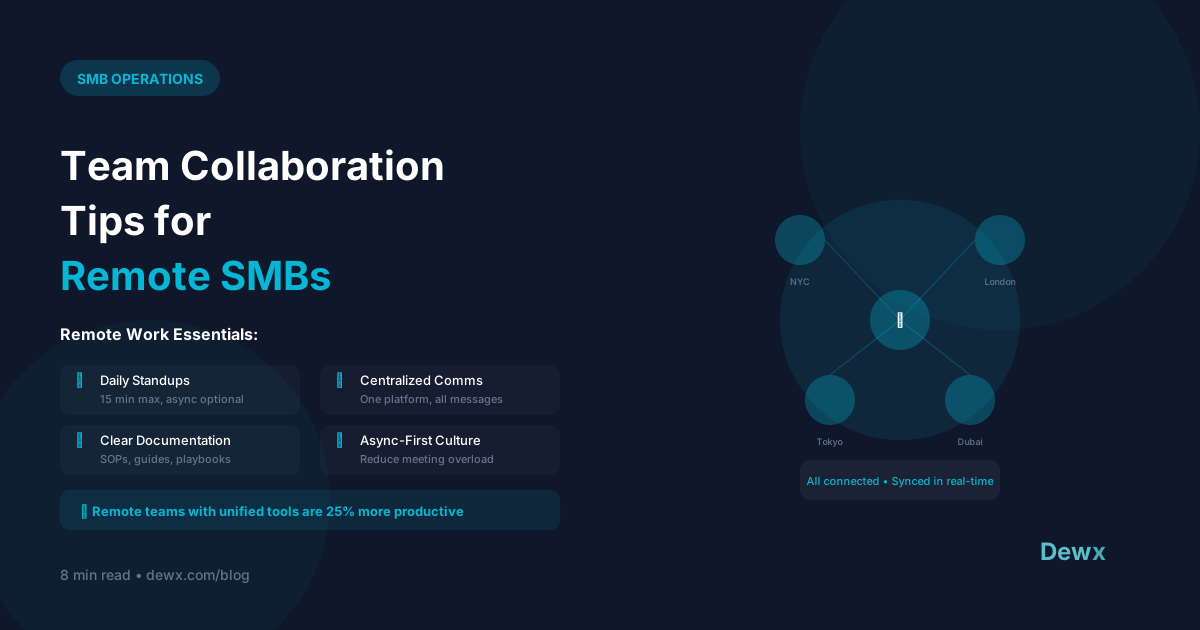
Team Collaboration Tips for Remote SMBs
Remote work isn't going away. Here's how to make distributed collaboration actually work.
The Remote Challenge
Remote teams struggle with:
- Communication gaps
- Isolation and disconnection
- Timezone coordination
- Project visibility
- Culture maintenance
Building Remote Collaboration
1. Establish Communication Norms
Define channels and purposes:
- Slack/Teams: Quick questions, social chat
- Email: External communication, formal requests
- Project tool: Task updates, project discussions
- Calls: Complex topics, relationship building
Set response expectations:
- Urgent: 1 hour
- Normal: 4 hours (during work hours)
- Non-urgent: 24 hours
2. Document Everything
Remote teams can't tap someone on the shoulder. Create a documentation culture:
- Meeting notes (always)
- Decision logs
- Process documentation
- Shared knowledge base
3. Over-Communicate Proactively
The watercooler doesn't exist remotely. Replace it:
- Daily standups (async or sync)
- Weekly team updates
- Regular 1:1s
- Wins/kudos channels
4. Create Structure, Allow Flexibility
Non-negotiables:
- Core collaboration hours (e.g., 10 AM - 2 PM overlap)
- Attendance at key meetings
- Response time standards
Flexible:
- Start/end times
- Work location
- Break scheduling
5. Invest in Relationships
Remote doesn't mean isolated:
- Virtual coffee chats
- Online team activities
- Occasional in-person gatherings
- Celebrate milestones publicly
Tools for Remote Collaboration
Communication Stack
- Sync chat: Slack, Microsoft Teams
- Async video: Loom, Vidyard
- Video calls: Zoom, Google Meet
Project Management
- Tasks: Asana, Monday, Notion
- Docs: Google Docs, Notion
- Files: Google Drive, Dropbox
The Consolidation Opportunity
Multiple tools create friction. Consider unified platforms that include:
- Messaging
- Tasks and projects
- Document collaboration
- Meeting scheduling
Dewx brings communication and operations into one platform, reducing the tool sprawl that plagues remote teams.
Remote Meeting Best Practices
Default to Async
Can this be an email or doc? Don't schedule a meeting.
When You Do Meet
- Have a clear agenda
- Start and end on time
- Assign action items
- Record for absent team members
Meeting-Free Days
Designate days for deep work. Protect them fiercely.
Measuring Remote Team Health
Track these metrics:
- Response times
- Project completion rates
- Employee satisfaction (regular surveys)
- Tool adoption rates
- Meeting hours (aim to reduce)
Use your unified inbox to track response times automatically, and leverage your CRM for project visibility across the team.
Frequently Asked Questions
How do I keep remote team members from feeling isolated?
Schedule regular 1:1s (weekly for direct reports), create non-work Slack channels (#random, #pets, #hobbies), host virtual coffee chats or game sessions monthly, and if budget allows, bring the team together in-person 1-2 times per year. Make "how are you doing?" a genuine question, not a greeting. Use your unified communications to stay connected across channels.
What's the ideal meeting load for remote teams?
Aim for 10-15 hours of meetings per week maximum for individual contributors. Managers may need more. Institute meeting-free days (many teams choose Tuesdays and Thursdays). Every meeting should have an agenda and could-be-an-email test. Track meeting hours monthly and set reduction goals.
How do I handle timezone differences in remote teams?
Establish 3-4 hours of core overlap time for synchronous work. Outside those hours, default to async communication. Document everything so no one is blocked waiting for a colleague in another timezone. Rotate meeting times fairly so the same people don't always have early/late calls.
Which collaboration tools are essential for remote SMBs?
At minimum: video conferencing (Zoom/Meet), async chat (Slack/Teams), project management (Asana/Monday), and document sharing (Google Drive/Notion). However, tool sprawl creates friction. Consider a unified platform that combines messaging, tasks, and operations to reduce context switching and login fatigue.
How do I maintain company culture with a distributed team?
Culture is built through consistent behaviors, not office perks. Define your values explicitly, recognize good work publicly, share wins company-wide, and make space for personal connections. Weekly all-hands, monthly team activities, and transparent communication from leadership matter more than ping pong tables.
Building a remote-first company? Try Dewx free and bring your team's communication, tasks, and operations into one unified platform.
Related: Remote agency guide | Free meeting agenda template


