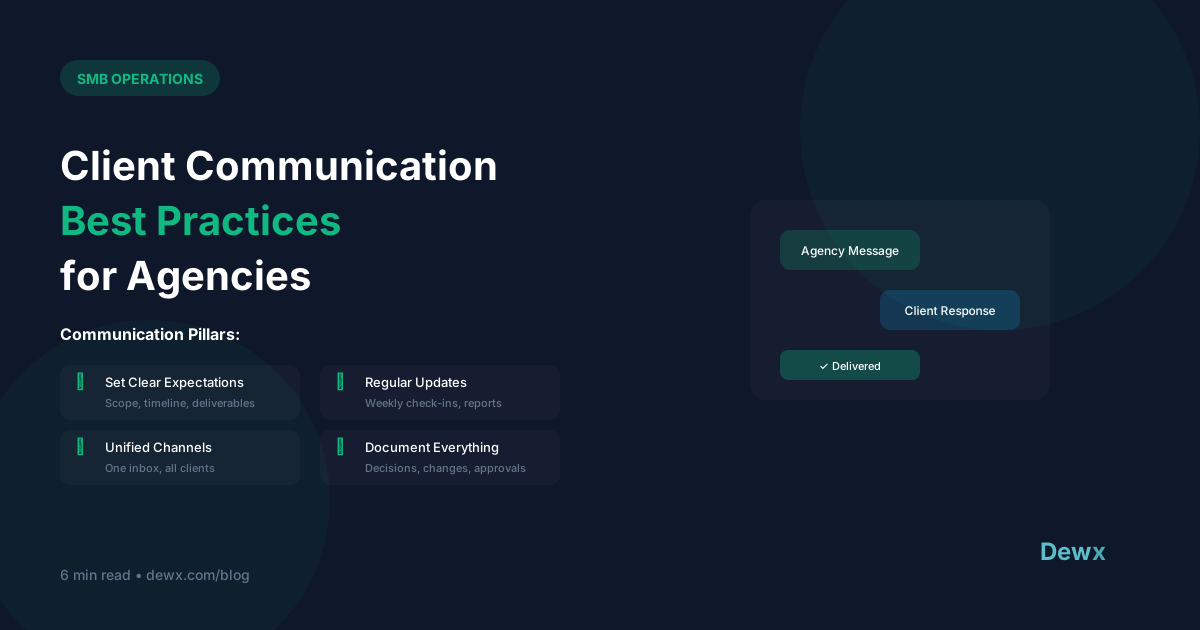
Client Communication Best Practices for Agencies
Your deliverables might be perfect, but poor communication will still lose clients. Here's how to get it right.
The Communication Foundation
Set Expectations Early
In your kickoff:
- Preferred communication channels
- Response time commitments
- Meeting cadence
- Escalation procedures
- Who to contact for what
Document everything. Reference it often.
Create a Communication Rhythm
Weekly:
- Status updates (written or quick call)
- Key metrics and progress
- Next week's priorities
- Any blockers or needs
Monthly:
- Performance review meeting
- Strategic discussion
- Billing/invoicing review
- Relationship check-in
Quarterly:
- Business review
- Contract/scope review
- Future planning
Channel Management
Email: For Documentation
- Scope changes
- Approvals
- Formal requests
- Important decisions
Messaging (Slack/WhatsApp): For Quick Items
- Day-to-day questions
- Quick updates
- Informal coordination
- Time-sensitive items
Calls: For Complex Topics
- Strategy discussions
- Problem-solving
- Relationship building
- Feedback sessions
Rule of Thumb
If it takes more than 3 back-and-forth messages, jump on a call.
Response Time Standards
Set internal standards:
| Channel | Standard | Maximum |
|---|---|---|
| Phone | Immediate | 2 hours callback |
| Chat/SMS | 30 minutes | 2 hours |
| 4 hours | 24 hours | |
| Project tool | Same day | Next business day |
Proactive Communication
Don't Wait for Problems
Share updates before clients ask. Bad news travels better when you deliver it first.
Regular Wins Sharing
Celebrate successes, no matter how small. Remind clients of the value you provide.
Ask for Feedback
"How's everything going?" catches issues before they become problems.
Handling Difficult Conversations
The LAST Method:
- Listen: Let them fully express concerns
- Acknowledge: Show you understand
- Solve: Propose a solution
- Thank: Thank them for bringing it up
Never:
- Get defensive
- Blame team members
- Make excuses
- Delay difficult conversations
Tools for Agency Communication
The Problem
Multiple clients = multiple channels = chaos
The Solution
A unified inbox that aggregates all client communication:
- All channels in one place
- Client-specific views
- Team collaboration
- Full conversation history
Dewx Portal was built for exactly this: managing multiple client relationships across WhatsApp, LinkedIn, Gmail, and more. Combined with CRM features, you have complete client context in every conversation.
For a complete agency solution, see our agency use case guide.
Frequently Asked Questions
What's the ideal response time for agency clients?
For urgent matters (calls, texts): under 2 hours. For email: within 4 hours during business hours, next business day otherwise. Set these expectations in your kickoff meeting and stick to them. Use a unified inbox to track response times across channels.
How often should I communicate with clients?
Weekly written updates are minimum. Monthly calls for performance review. Quarterly for strategic planning. More communication is almost always better than less. When in doubt, over-communicate. Use automation to ensure consistency.
What communication style works best with clients?
Match their style. Some clients want formal emails, others prefer casual WhatsApp. Pay attention to how they communicate and mirror it. Document preferences in your CRM so your whole team knows.
How do I handle unhappy clients?
Use the LAST method: Listen fully, Acknowledge their feelings, propose a Solution, and Thank them for sharing. Never get defensive or make excuses. Address issues within 24 hours. Document the resolution in your client record.
Should I use one platform for all client communication?
Ideally, yes. A unified inbox shows all client conversations across channels in one view. This prevents messages falling through cracks and gives your team complete context. It's especially critical when managing 5+ active clients.
Ready to streamline client communication? Try Dewx free and manage all your agency clients in one place.