
How to Manage Multiple WhatsApp Business Accounts Efficiently
If you're running multiple businesses or managing clients, juggling several WhatsApp Business accounts is a daily reality. The good news? It doesn't have to be chaos.
The Multi-Account Challenge
Most professionals face these issues:
- Constant app switching between personal and business accounts
- Missing messages because you forgot to check one account
- Confusion about which account you're messaging from
- Notification overload from multiple sources
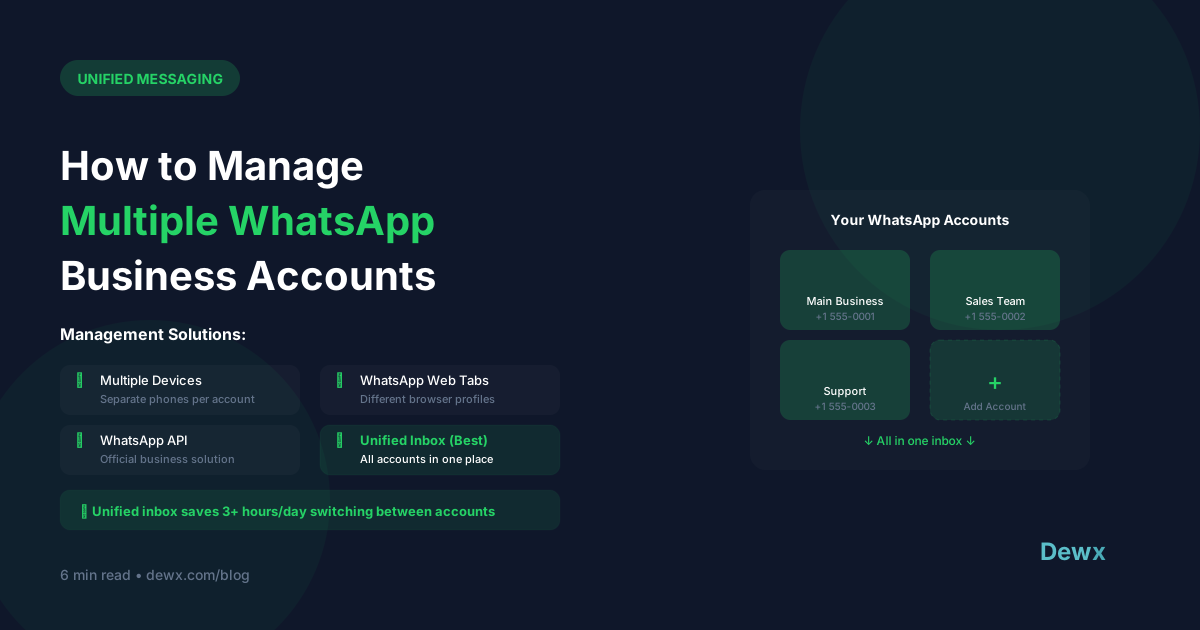
Solutions for Multi-Account Management
Option 1: Dual SIM Phones
Modern smartphones support two SIM cards, letting you run two WhatsApp accounts on one device.
Pros: Native experience, no extra apps Cons: Limited to 2 accounts, still requires switching
Option 2: WhatsApp Web Multiple Sessions
Open multiple browser tabs or use different browsers for each account.
Pros: See all accounts on one screen Cons: Manual switching, no unified view, browser tab chaos
Option 3: Unified Inbox Platform
Use a platform like Dewx that aggregates multiple WhatsApp accounts into one inbox.
Pros: One dashboard for everything, team collaboration, AI assistance Cons: Requires setup and subscription
Best Practices for Multi-Account Management
1. Set Clear Account Purposes
- Account A: New client inquiries
- Account B: Existing client support
- Account C: Personal/networking
2. Use Distinct Profiles
Each account should have clear branding so you immediately know which business you're representing.
3. Establish Response Time Standards
Set expectations for each account:
- Sales inquiries: 30 minutes
- Support: 2 hours
- General: Same day
4. Leverage Quick Replies
Create account-specific templates for common questions. Save hours of repetitive typing.
5. Schedule "Account Check" Times
Instead of constant switching, batch your account reviews:
- 9 AM: Check all accounts
- 1 PM: Midday review
- 5 PM: End of day sweep
The Unified Inbox Advantage
With Dewx Portal, all your WhatsApp accounts appear in one unified inbox:
- See messages from all accounts in one stream
- Reply without switching apps
- Use Dew AI to draft responses
- Collaborate with team members
- Never miss a message
For agencies managing multiple clients, this becomes even more powerful. Learn more about how agencies use unified messaging to scale their operations.
Frequently Asked Questions
Can I use one phone number for multiple WhatsApp Business accounts?
No, each WhatsApp Business account requires its own unique phone number. This is why many businesses opt for a unified inbox solution that aggregates multiple accounts into one dashboard rather than trying to consolidate numbers.
What's the best phone for managing multiple WhatsApp accounts?
Dual-SIM Android phones (Samsung Galaxy, OnePlus, Xiaomi) work well for 2 accounts. For 3+ accounts, hardware isn't the solution. You need a unified inbox platform like Dewx that connects all your WhatsApp Business API accounts in one interface.
Is using multiple WhatsApp accounts against the Terms of Service?
No, using multiple WhatsApp Business accounts for different legitimate businesses is allowed. What's prohibited is creating fake accounts or using automation that mimics human behavior in deceptive ways. WhatsApp Business API officially supports multi-account setups for enterprises.
How do I prevent messages from getting lost across accounts?
The most reliable method is using a unified inbox that shows all messages chronologically regardless of which account received them. Set up team collaboration features so multiple team members can monitor and respond, ensuring no message sits unanswered.
Can AI help manage multiple WhatsApp accounts?
Yes. Dew, the AI assistant in Dewx, can draft replies, categorize messages by urgency, and even suggest which team member should handle specific inquiries. This is especially valuable when managing 3+ accounts with different response styles.
Ready to unify your WhatsApp accounts? Try Dewx free and see all your messages in one place.


