10 Signs You Need a Unified Inbox for Your Business
Key Takeaways
- Context switching costs 23 minutes per interruption according to UC Irvine research - multiply that by every app switch
- Lost messages = lost revenue - 67% of customers cite poor communication as a reason for churning
- Unified inboxes consolidate WhatsApp, LinkedIn, Gmail, Instagram into one searchable interface
- Team collaboration improves dramatically when everyone sees the same conversations
- The investment pays off quickly - most businesses recoup costs within the first month through time savings
If you're spending more time managing messages than actually working, you probably need a unified inbox. But how do you know for sure?
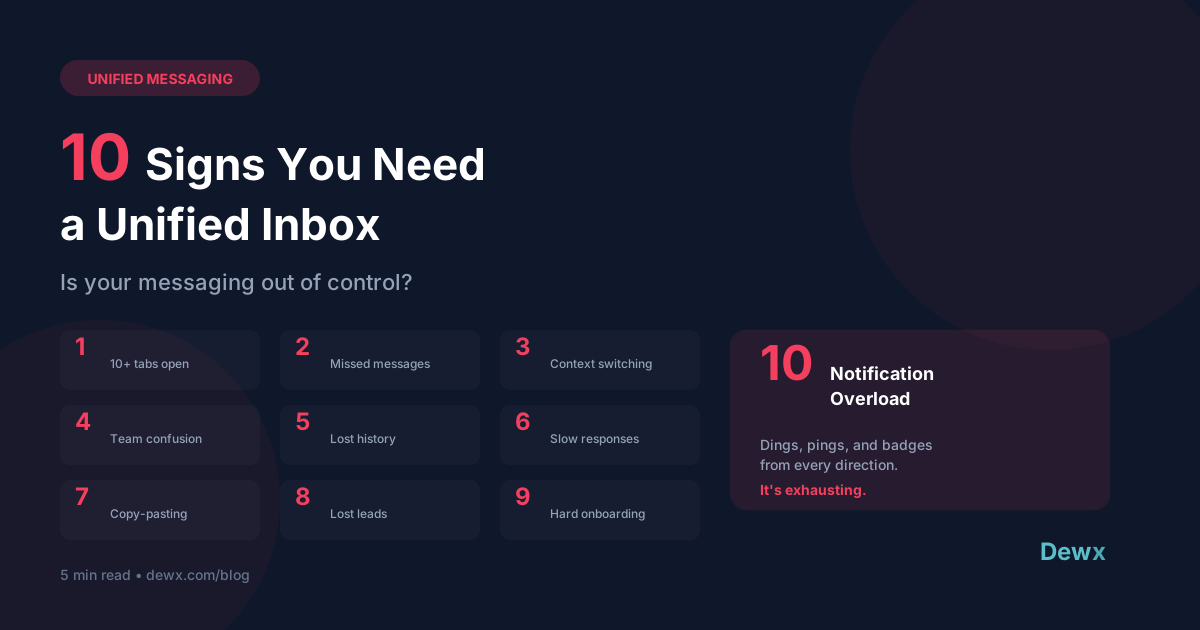
Here are the 10 signs that your fragmented messaging setup is costing you time, money, and sanity - plus what to do about it.
1. You Have 10+ Tabs Open Just for Messaging
Take a look at your browser right now. How many tabs are messaging-related?
- WhatsApp Web
- LinkedIn (messages)
- Gmail
- Outlook
- Maybe Slack
- Maybe Facebook Messenger
- Your CRM's built-in chat
If your browser looks like a messaging app convention, you're paying a hidden tax every single day. Each tab is cognitive load. Each tab requires attention. Each tab is a potential distraction.
The Fix: Portal consolidates all these into one tab, one interface, one notification stream.
2. You've Missed Important Messages
Be honest: In the last month, have you discovered a message you should have responded to days ago?
- That client inquiry from last Tuesday?
- The lead who messaged on LinkedIn while you were focused on email?
- The support request buried in Instagram DMs?
When messages are scattered across platforms, things fall through the cracks. And every missed message has a cost - whether it's a lost lead, an upset customer, or a delayed project.
The Impact: According to HubSpot research, 90% of customers rate an "immediate" response as important or very important when they have a question.
3. You're Constantly Context-Switching
The University of California Irvine found that it takes an average of 23 minutes and 15 seconds to regain focus after a distraction.
Now count how many times per day you switch between messaging apps:
- Check WhatsApp, switch to email
- Check email, switch to LinkedIn
- Check LinkedIn, remember something in WhatsApp
- Round and round
If you switch apps 20 times a day (conservative for many businesses), you could be losing 8+ hours per week just to context switching.
The Math: 20 switches × 23 minutes = 460 minutes = 7.7 hours lost to switching alone
4. Your Team Doesn't Know Who's Handling What
"Did anyone reply to John?" "I thought Sarah was on it." "Wait, which channel did he message us on?"
Without a shared view of all conversations, teams work in silos. Two people might reply to the same message. Or worse - no one replies because everyone assumes someone else did.
The Fix: Shared inboxes with assignment, internal notes, and collision detection. Everyone sees everything, and you know exactly who's handling what.
5. You Can't Find Conversation History
Where did you discuss that project?
- Was it the WhatsApp thread?
- The email chain?
- That LinkedIn message from March?
- Or was it in Slack?
Searching across 5+ platforms for one conversation is maddening. And it happens multiple times per day.
The Fix: Universal search across all channels. Type a name or keyword, find everything - regardless of which platform the conversation happened on.
6. Response Times Are Suffering
When you're juggling multiple apps, some messages inevitably get delayed. Maybe you clear your email inbox but forget to check WhatsApp. Maybe a LinkedIn message sits for days.
Customers notice. Fast response times are now expected:
- Email: Within 4 hours
- Social media: Within 1 hour
- WhatsApp/SMS: Within 15 minutes (or faster)
The Impact: Research shows that responding within 5 minutes makes you 21x more likely to qualify a lead than responding after 30 minutes.
7. You're Copying and Pasting Between Apps
"Let me grab that info from the WhatsApp chat..." "Can you forward me that email so I can add it to the CRM?" "I'll send you a screenshot of what they said on LinkedIn..."
If you're constantly moving information between platforms, your systems are broken. Data should flow automatically, not through manual copy-paste.
The Fix: When messaging integrates with your CRM, conversations log automatically. No copying, no pasting, no lost context.
8. You've Lost Track of Leads
Remember that LinkedIn connection who seemed interested? The one who asked about your services and said "let me get back to you"?
Where are they now? Buried somewhere in your messages across multiple platforms.
Without a unified system connecting messaging to your pipeline, leads slip away. You can't follow up on what you can't find.
The Impact: GTM Hub connects conversations to deals, so you always know where every lead stands.
9. Onboarding New Team Members Is Painful
"OK, so for clients we use WhatsApp, but for prospects we usually start on LinkedIn, then move to email, unless they're in Europe where we use WhatsApp from the start, and support requests go to Gmail but sometimes Instagram..."
If explaining your communication system requires a flow chart, something's wrong.
The Fix: One inbox = one explanation. "Everything's in Portal. Reply on whatever channel they used."
10. You Feel Overwhelmed by Notifications
Dings from your phone. Pings from your desktop. Badges on every app. The constant stream of "new message" alerts from 5+ different sources.
It's not just annoying - it's genuinely stressful. Notification fatigue is real, and it leads to:
- Anxiety about missing something
- Paradoxically, ignoring notifications entirely
- Decreased work quality
- Burnout
The Fix: One notification stream. Everything in one place. You can actually manage it.
The Solution: Unified Inbox
A unified inbox brings all your messaging into one place:
- One interface instead of 5+
- One notification stream instead of chaos
- One search that finds everything
- One place for team collaboration
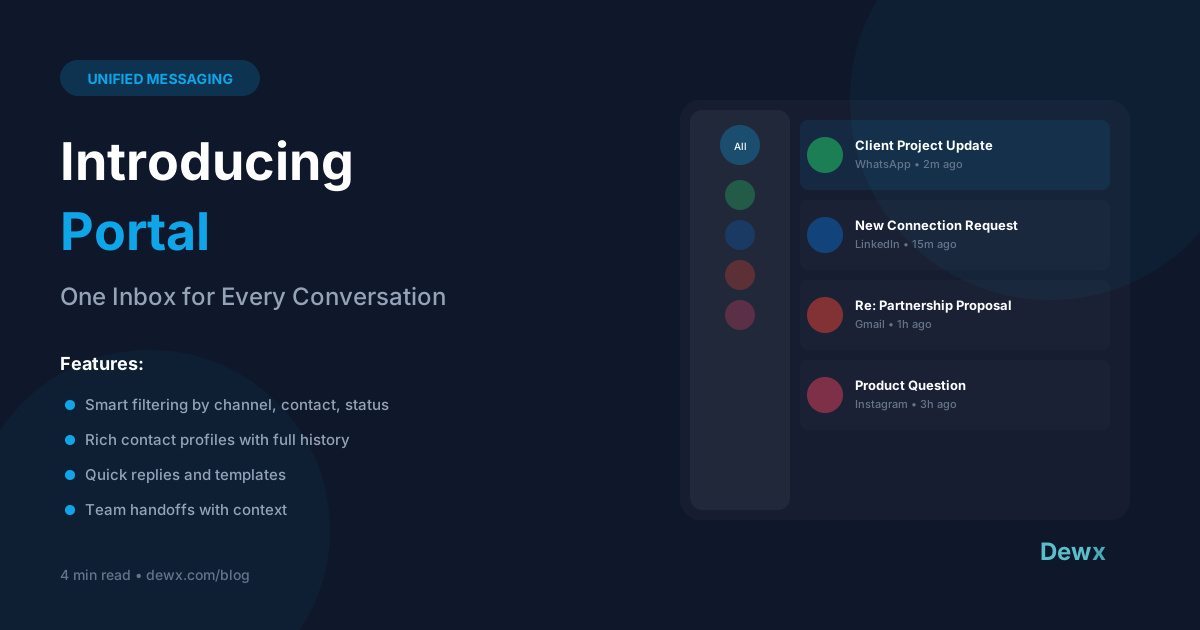
Dewx Portal does exactly this - unifying WhatsApp, LinkedIn, Gmail, Instagram, and Outlook into one clean, powerful inbox.
Making the Switch
Getting started is easier than you think:
- Connect your accounts (OAuth - no passwords shared)
- Existing conversations sync automatically
- Invite your team
- Start responding from one place
Most teams report feeling the difference within the first day. The time savings add up quickly.
Sign up free and experience inbox peace. Or see our plans for teams.
Frequently Asked Questions
How long does it take to set up a unified inbox?
With Dewx, most users connect their first channel in under 5 minutes. Full setup with all channels and team members typically takes less than an hour.
Will I lose my conversation history?
No. When you connect accounts, Portal syncs existing conversations. Everything from your original platforms stays intact, and you gain unified search across it all.
Can I still use the original apps if I need to?
Yes. Portal doesn't replace your accounts - it consolidates them. You can still access WhatsApp, LinkedIn, etc. directly if you prefer for specific situations.
What about mobile? Do I need the original apps on my phone?
Portal has native mobile apps (iOS and Android). You can manage all channels from one app instead of switching between multiple apps on your phone too.
How does this work with my existing CRM?
Dewx includes its own CRM (GTM Hub) with native integration. If you use an external CRM, check our integrations page for compatibility.
Related: Portal Features | Introducing Portal | The True Cost of Fragmented Tools