How to Reduce Tool Fragmentation in Your Business
The average small business uses 10-15 different SaaS tools. Most of them don't talk to each other. Here's how to fix that.
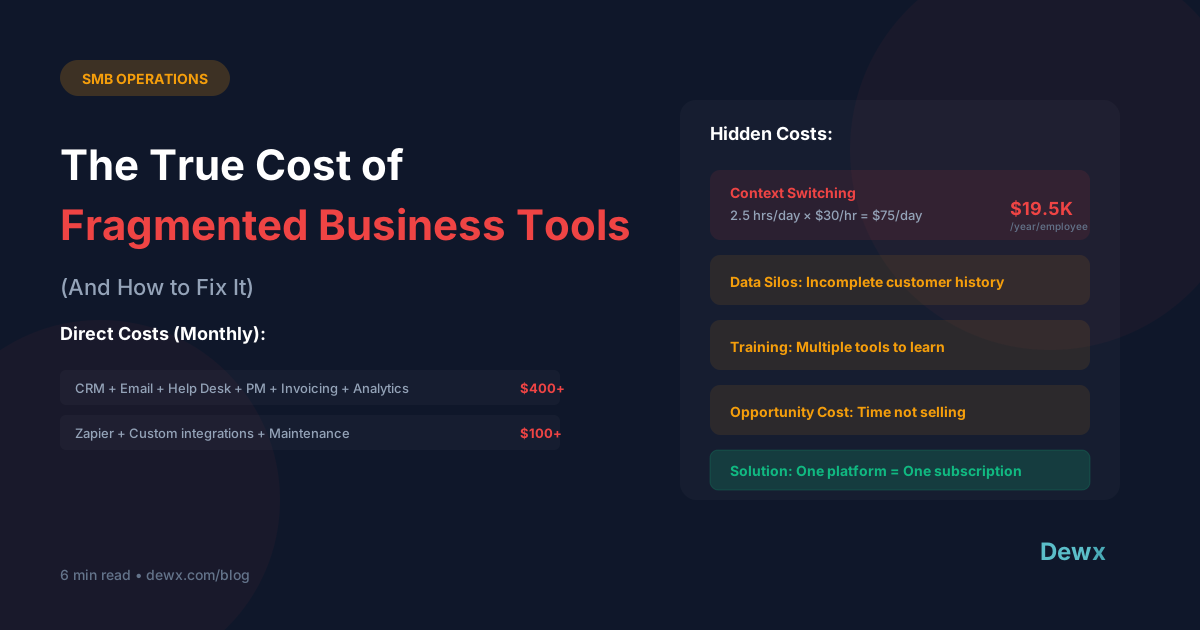
The True Cost of Fragmentation
Direct Costs
- Multiple subscriptions: $300-800/month
- Integration tools (Zapier etc.): $50-200/month
- IT maintenance and support
Hidden Costs
- Time lost to context switching: 2+ hours/day
- Training on multiple platforms
- Data sync errors and duplicates
- Security risks from multiple logins
Opportunity Costs
- Insights lost in data silos
- Slower decision-making
- Reduced team collaboration
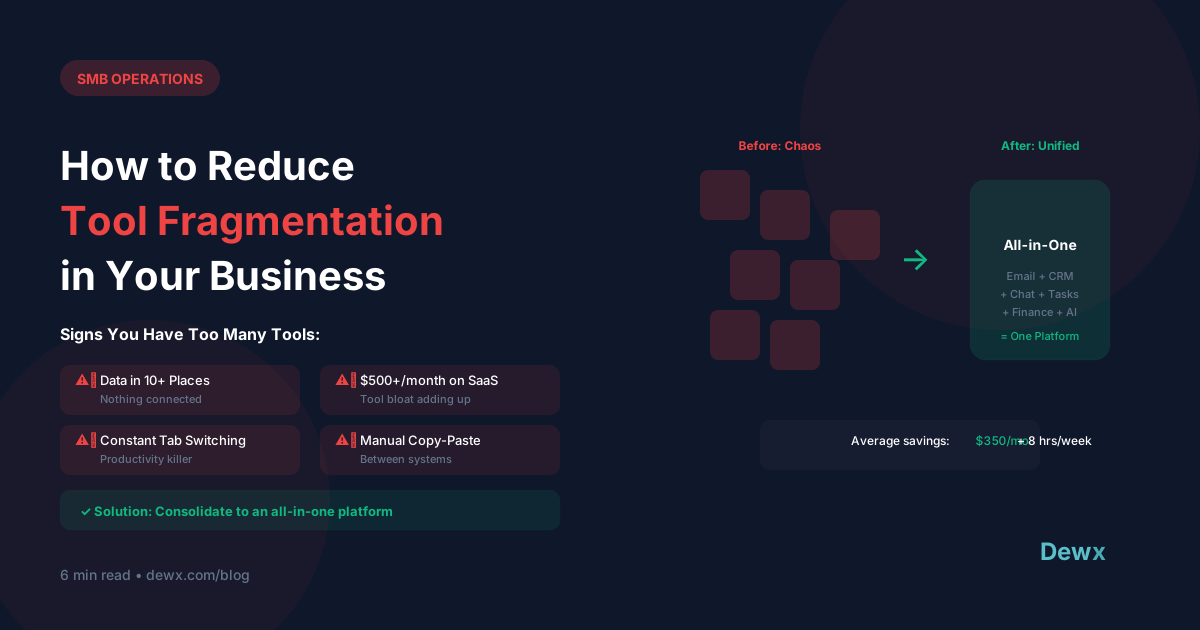
Signs You Need Consolidation
- You use 3+ tools for the same function
- Data is copied manually between systems
- Team members use different tools for same tasks
- You've lost track of all your subscriptions
- Integrations frequently break
- New team members take weeks to onboard
The Consolidation Framework
Step 1: Audit Your Current Stack
Create a spreadsheet:
| Tool | Function | Monthly Cost | Users | Critical? |
|---|
Step 2: Map Core Functions
What do you actually need?
- Communication (email, messaging)
- Customer management (CRM)
- Project/task management
- Finance/invoicing
- HR/team management
- Marketing/content
Step 3: Identify Overlaps
Look for:
- Multiple tools doing same thing
- Tools with features you don't use
- Tools that could be replaced by features in another
Step 4: Evaluate Consolidation Options
Option A: All-in-One Platform Replace multiple tools with one unified platform.
- Pros: One login, native integrations, lower cost
- Cons: May lack specialized features
Option B: Core + Specialists Use one platform for core functions + specialists where needed.
- Pros: Best-of-breed where it matters
- Cons: Still some fragmentation
Option C: Integration Layer Keep tools but connect with Zapier/Make.
- Pros: Keep what works
- Cons: Integration maintenance, data delays
Step 5: Plan the Migration
- Start with least critical tool
- Migrate data carefully
- Run parallel systems temporarily
- Train team before full cutover
- Document new workflows
The All-in-One Approach
Dewx was built to solve tool fragmentation:
| Separate Tools | Dewx Equivalent |
|---|---|
| WhatsApp + LinkedIn + Gmail | Portal (Unified Inbox) |
| HubSpot/Salesforce | GTM Hub (CRM) |
| Asana/Monday | Tasks & Projects |
| QuickBooks | OPS Hub (Finance) |
| BambooHR | OPS Hub (HR) |
One platform. One subscription. One login.
For a deeper dive on all-in-one platforms, read our complete guide to all-in-one business software.
Frequently Asked Questions
How much can I save by consolidating tools?
Most SMBs spend $300-800/month on separate tools plus $50-200/month on integration tools like Zapier. An all-in-one platform like Dewx starts at $49/month. Potential savings: $300-900/month ($3,600-10,800/year). Plus time savings from reduced context switching.
How long does migration take?
For most businesses, 2-4 weeks. Week 1: Audit and planning. Week 2-3: Data migration and parallel running. Week 4: Full cutover and training. Dewx supports CSV imports for contacts, deals, and other data.
Will I lose data during consolidation?
Not if you plan properly. Export data from old tools before canceling. Most platforms (including Dewx) support CSV imports. Run systems in parallel during transition to verify everything transferred correctly.
What if I need specialized tools for certain functions?
The Core + Specialists approach works well. Use an all-in-one platform for 80% of functions, then add specialists where you have unique needs. For example, use Dewx for CRM/communication/operations but keep specialized industry software.
Which consolidation approach is best for small teams?
For teams under 10 people, an all-in-one platform usually makes most sense. You don't have dedicated IT resources to manage integrations. One login, one training process, one support contact. Review our small business guide for more.
Ready to consolidate? Start with Dewx free and replace your tool stack.