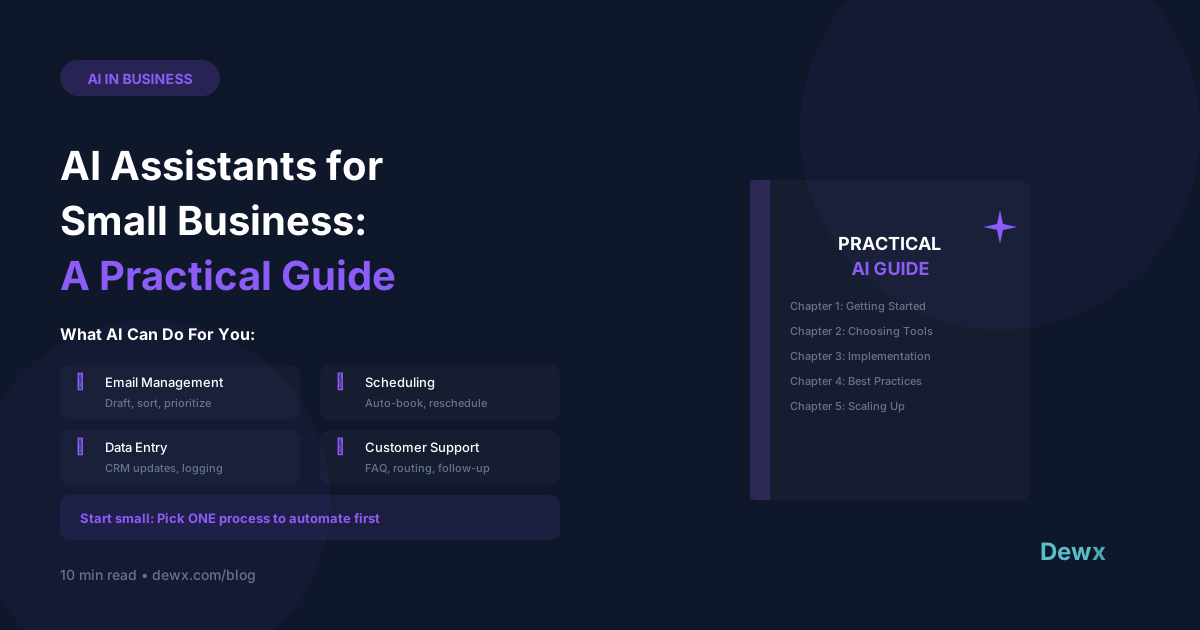
How AI Assistants Are Transforming Small Business Operations
Key Takeaways
- AI levels the playing field - small businesses can now automate tasks that previously required entire teams
- 87% of SMBs using AI report significant time savings according to recent surveys
- Real use cases include: customer communication, scheduling, CRM updates, content creation, and data analysis
- The key differentiator is AI that's integrated with your business data - not just a general chatbot
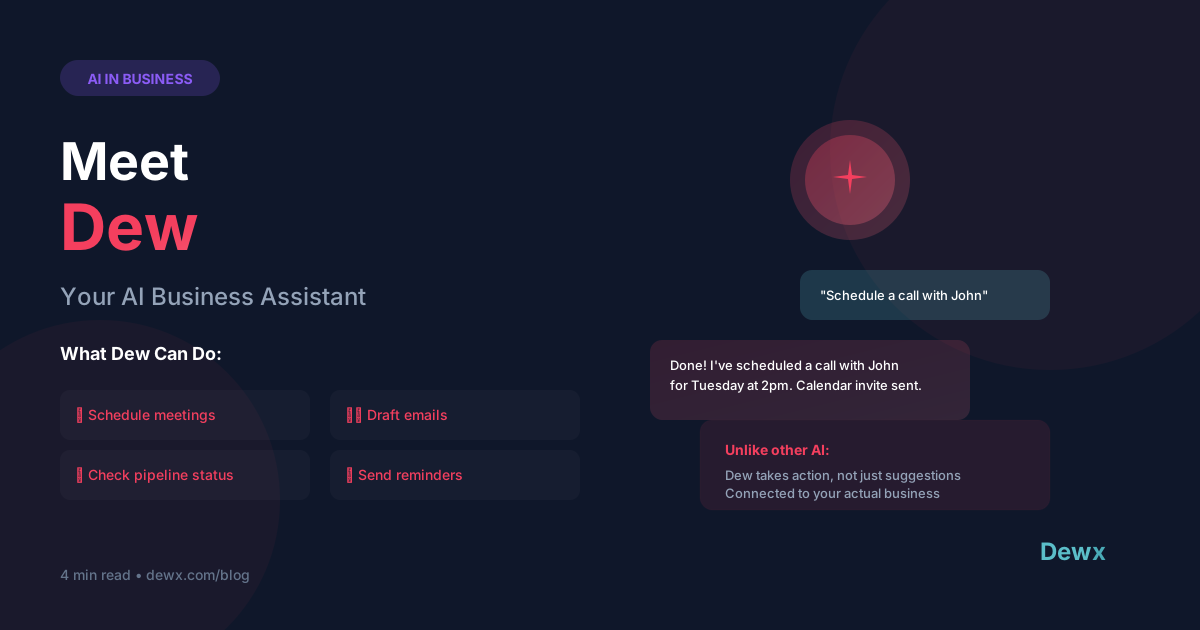
- Dew, Dewx's AI assistant, takes action (scheduling, drafting, updating CRM) rather than just giving advice
AI has moved from science fiction to business reality. And contrary to what you might think, small businesses are benefiting the most.
Why? Because AI is the great equalizer. It gives a 5-person team the capabilities that used to require 50 people.
The AI Advantage for SMBs
Big companies have teams for everything:
- A scheduling coordinator
- An executive assistant
- A data analyst
- A customer service team
- A marketing team
Small businesses have... you. And maybe a few others wearing multiple hats.
AI changes this equation by:
- Automating repetitive tasks - data entry, scheduling, follow-ups
- Providing instant insights - analytics that used to take hours
- Handling customer communication - first responses, FAQs, routing
- Working 24/7 - customers get answers even when you're asleep
Real AI Use Cases for SMBs
1. Customer Communication
What AI can do:
- Draft personalized email responses based on context
- Summarize long email threads into key points
- Prioritize urgent messages automatically
- Handle common inquiries without human intervention
- Respond to FAQs on WhatsApp, email, and chat
Example: "Dew, draft a follow-up email to Sarah about the proposal" → AI drafts the email knowing your conversation history, deal status, and your writing style.
2. Scheduling & Calendar
What AI can do:
- Find meeting times that work across time zones
- Send calendar invites with video links automatically
- Remind you about follow-ups before they're overdue
- Reschedule when conflicts arise
- Book meetings directly from conversations
Example: "Dew, schedule a 30-minute call with John next week" → AI checks both calendars, finds options, sends invite with Zoom link.
3. Sales & CRM
What AI can do:
- Update CRM records from conversation content
- Score leads based on engagement patterns
- Draft proposals and quotes
- Predict deal outcomes
- Identify deals that need attention
Example: "What deals are closing this month?" → AI queries your CRM and gives you a prioritized list with recommended actions.
4. Content & Writing
What AI can do:
- Draft social media posts based on your brand voice
- Write first versions of emails and documents
- Summarize long documents into key points
- Translate content for international audiences
- Create reports from raw data
Example: "Draft a LinkedIn post about our new feature launch" → AI writes it in your style with relevant hashtags.
5. Data & Insights
What AI can do:
- Answer natural language questions about your business data
- Identify trends and patterns you might miss
- Generate weekly/monthly reports automatically
- Alert you to anomalies (revenue drops, unusual activity)
- Compare current period vs. historical data
Example: "How did our response time compare to last month?" → AI calculates from your data and highlights changes.
What to Look For in a Business AI
Not all AI is created equal. Here's what matters for business use:
1. Integration
The AI must connect to your actual tools. A chatbot that can't access your calendar, CRM, or messages is just a fancy search engine.
Questions to ask:
- Does it connect to my email?
- Can it access my CRM data?
- Does it integrate with my messaging channels?
- Can it read and write to my calendar?
2. Action, Not Just Suggestions
ChatGPT can tell you how to write a follow-up email. A business AI should write the email (and send it with your approval).
Questions to ask:
- Can it actually do things, or just suggest?
- Can it schedule meetings, not just suggest times?
- Can it update records, not just tell me what to update?
3. Security
Your business data is sensitive. The AI handling it must be enterprise-grade secure.
Questions to ask:
- Where is my data stored?
- Is data encrypted in transit and at rest?
- Is the provider SOC 2 compliant?
- Does the AI train on my business data? (It shouldn't)
4. Context
Generic AI doesn't know your business. It doesn't know John is your biggest client or that Sarah prefers morning meetings. Business AI learns your context.
Questions to ask:
- Does it learn from my data?
- Can it remember preferences and patterns?
- Does it improve over time?
Generic AI vs. Business AI
| Capability | Generic AI (ChatGPT, etc.) | Business AI (Dew) |
|---|---|---|
| Draft an email | Writes generic template | Drafts personalized email knowing contact history |
| Schedule a meeting | Gives instructions | Actually schedules the meeting |
| Update CRM | Can't access CRM | Updates deal stages automatically |
| Find information | Searches the internet | Searches your business data |
| Security | Consumer-grade | Enterprise-grade |
Meet Dew: AI Built for Business
Dew is Dewx's AI assistant, designed specifically for business operations.
Unlike generic AI:
- Integrated - Dew connects to your inbox, CRM, projects, and calendar
- Action-oriented - Dew does things, not just suggests
- Learning - Dew improves by understanding your preferences
- Secure - Your data is encrypted and never used for training
Example Commands
- "Draft a follow-up for all proposals sent this week"
- "What's my schedule looking like tomorrow?"
- "Update John's deal to Negotiation stage"
- "Show me all open support tickets from Acme Corp"
- "Reschedule my 3pm to Thursday"
Getting Started with AI
Step 1: Identify Repetitive Tasks
List tasks you do repeatedly that don't require human judgment:
- Sending follow-up emails
- Scheduling meetings
- Data entry into CRM
- Answering common questions
- Creating weekly reports
Step 2: Start Small
Don't try to automate everything at once. Pick one high-impact area:
- Customer follow-ups
- Meeting scheduling
- CRM updates
Step 3: Measure Results
Track time saved:
- Hours per week on manual tasks (before)
- Hours per week with AI (after)
- Quality of outputs
Step 4: Expand
Once you're comfortable, add more use cases:
- Content creation
- Reporting
- Customer support
- Sales assistance
Sign up for Dewx and meet Dew today. Your AI assistant is waiting.
Frequently Asked Questions
Will AI replace my job?
AI replaces tasks, not jobs. It handles the repetitive parts so you can focus on relationship-building, strategy, and creative work - the things humans do best.
How much does business AI cost?
Costs vary widely. Dew is included in Dewx plans starting at $49/month. Compare this to hiring an assistant at $15-25/hour.
Is my data safe with AI?
With enterprise AI like Dew, yes. Your data is encrypted, not used for model training, and protected by SOC 2 compliant infrastructure. Always ask about data practices before using any AI tool.
How long does it take to see results?
Most users report time savings within the first week. Significant productivity gains typically appear within 2-4 weeks as the AI learns your patterns.
Can AI handle complex tasks?
AI excels at pattern-based tasks with clear inputs and outputs. Complex judgment calls still need humans. The best approach is AI handling routine work while you handle exceptions and decisions.
Related: How AI replaces your virtual assistant | Why an agency founder built AI to replace agencies | Meet Dew