
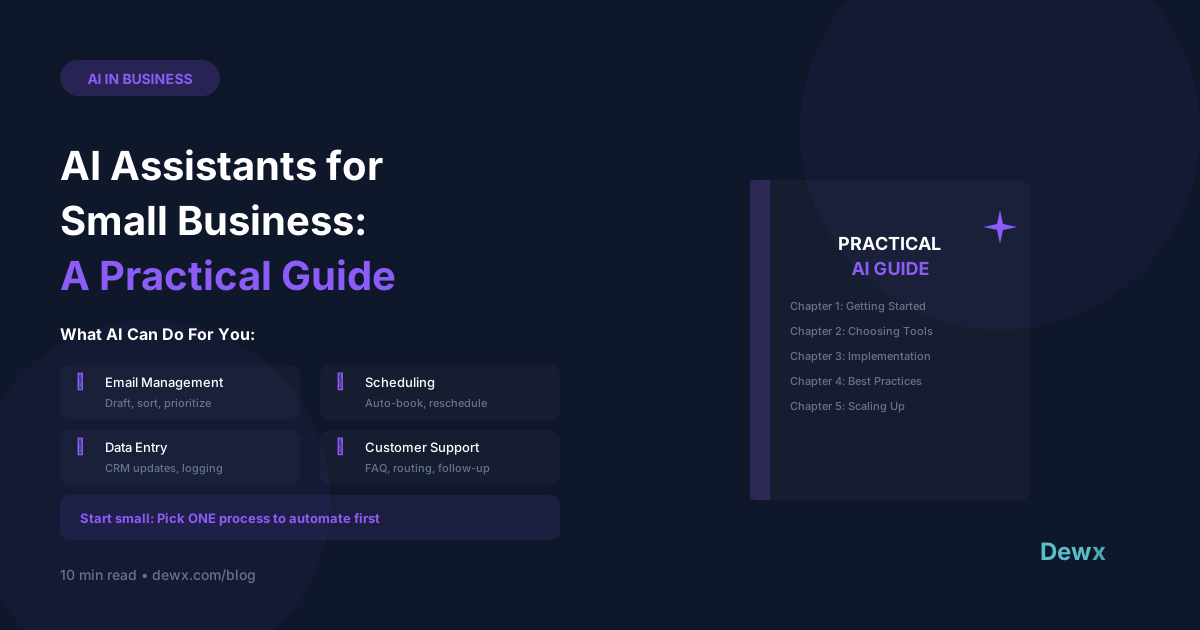
AI Assistants for Small Business: A Practical Guide
AI has moved from hype to practical tool. Here's how small businesses are actually using it.
What AI Can Do for SMBs
Content & Communication
- Draft emails and messages
- Write social media posts
- Create first-draft documents
- Translate content
Operations
- Schedule meetings
- Organize information
- Generate reports
- Automate workflows
Customer Service
- Answer common questions
- Draft response suggestions
- Route inquiries
- Summarize conversations
Analysis
- Summarize long documents
- Extract insights from data
- Research topics quickly
- Compare options
Getting Started with AI
Step 1: Start Small
Pick ONE task that:
- Takes significant time
- Is repetitive
- Has clear inputs/outputs
Step 2: Choose Your Tool
General Purpose:
- ChatGPT: Versatile, good for writing
- Claude: Long-form content, analysis
- Gemini: Google integration
Business-Specific:
- Dewx Dew: Integrated with your business systems
- Microsoft Copilot: Office 365 integration
- Salesforce Einstein: CRM-focused
Step 3: Learn Prompting Basics
Good prompts have:
- Clear context
- Specific instructions
- Desired format
- Examples if helpful
Bad: "Write an email" Good: "Write a professional email to a client named Sarah thanking her for the meeting yesterday. Mention we'll send the proposal by Friday. Keep it under 100 words."
Step 4: Iterate and Improve
AI rarely gets it perfect first try:
- Generate initial output
- Review and identify gaps
- Request revisions
- Fine-tune with feedback
Practical AI Use Cases
Email Response Drafting
Instead of starting from blank, have AI draft based on:
- The incoming email
- Your typical tone
- The action needed
Meeting Prep
Give AI:
- Meeting agenda
- Attendee info
- Your goals
Get: Prepared questions, talking points, background summary
Customer FAQ Answers
Train AI on your FAQ, have it draft responses to common questions. Review before sending.
Report Generation
Provide data and let AI:
- Summarize key points
- Identify trends
- Draft narrative sections
AI Limitations to Know
What AI Struggles With
- Recent/real-time information
- Highly specialized knowledge
- Nuanced human judgment
- Complex calculations
- Fact verification
Best Practice: Always Review
Never send AI output without human review. AI assists; humans decide.
The Integrated AI Advantage
Standalone AI tools require copy-paste between systems.
Dewx integrates AI directly into your workflow:
- Draft messages from within your inbox
- Update CRM with voice commands
- Schedule meetings conversationally
- Generate reports from your actual data
Ready to add AI to your business? Try Dewx with Dew AI.