
How to Manage Multiple WhatsApp Business Accounts Efficiently
If you're running multiple businesses or managing clients, juggling several WhatsApp Business accounts is a daily reality. The good news? It doesn't have to be chaos.
The Multi-Account Challenge
Most professionals face these issues:
- Constant app switching between personal and business accounts
- Missing messages because you forgot to check one account
- Confusion about which account you're messaging from
- Notification overload from multiple sources
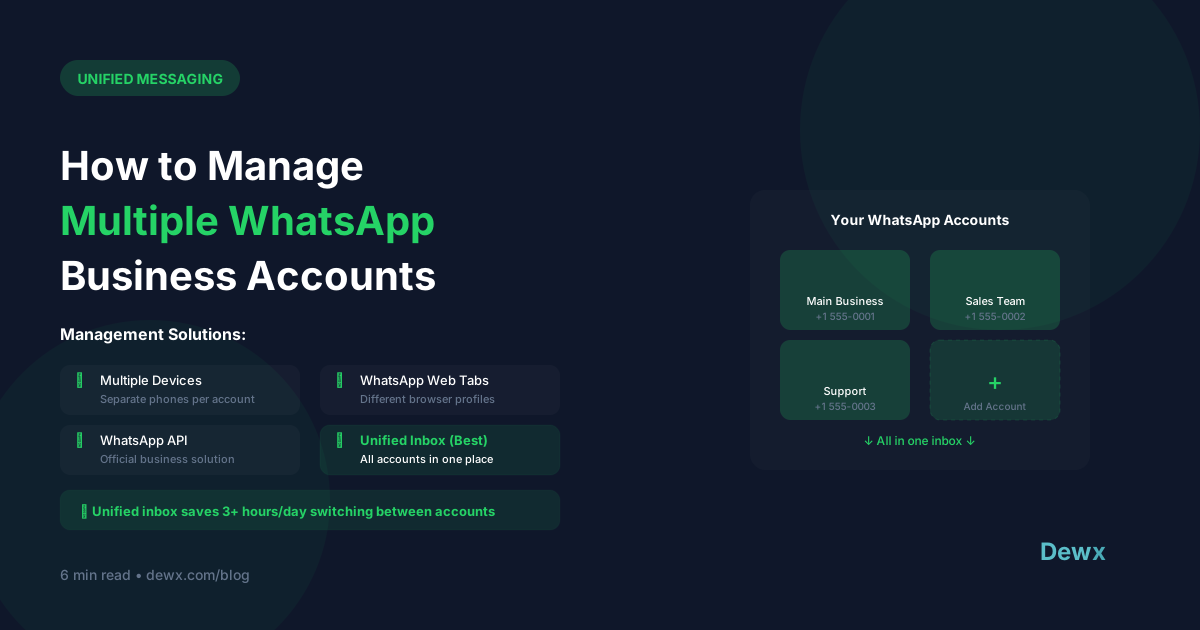
Solutions for Multi-Account Management
Option 1: Dual SIM Phones
Modern smartphones support two SIM cards, letting you run two WhatsApp accounts on one device.
Pros: Native experience, no extra apps Cons: Limited to 2 accounts, still requires switching
Option 2: WhatsApp Web Multiple Sessions
Open multiple browser tabs or use different browsers for each account.
Pros: See all accounts on one screen Cons: Manual switching, no unified view, browser tab chaos
Option 3: Unified Inbox Platform
Use a platform like Dewx that aggregates multiple WhatsApp accounts into one inbox.
Pros: One dashboard for everything, team collaboration, AI assistance Cons: Requires setup and subscription
Best Practices for Multi-Account Management
1. Set Clear Account Purposes
- Account A: New client inquiries
- Account B: Existing client support
- Account C: Personal/networking
2. Use Distinct Profiles
Each account should have clear branding so you immediately know which business you're representing.
3. Establish Response Time Standards
Set expectations for each account:
- Sales inquiries: 30 minutes
- Support: 2 hours
- General: Same day
4. Leverage Quick Replies
Create account-specific templates for common questions. Save hours of repetitive typing.
5. Schedule "Account Check" Times
Instead of constant switching, batch your account reviews:
- 9 AM: Check all accounts
- 1 PM: Midday review
- 5 PM: End of day sweep
The Unified Inbox Advantage
With Dewx Portal, all your WhatsApp accounts appear in one unified inbox:
- See messages from all accounts in one stream
- Reply without switching apps
- Use AI to draft responses
- Collaborate with team members
- Never miss a message
Ready to unify your WhatsApp accounts? Join the Dewx beta.