
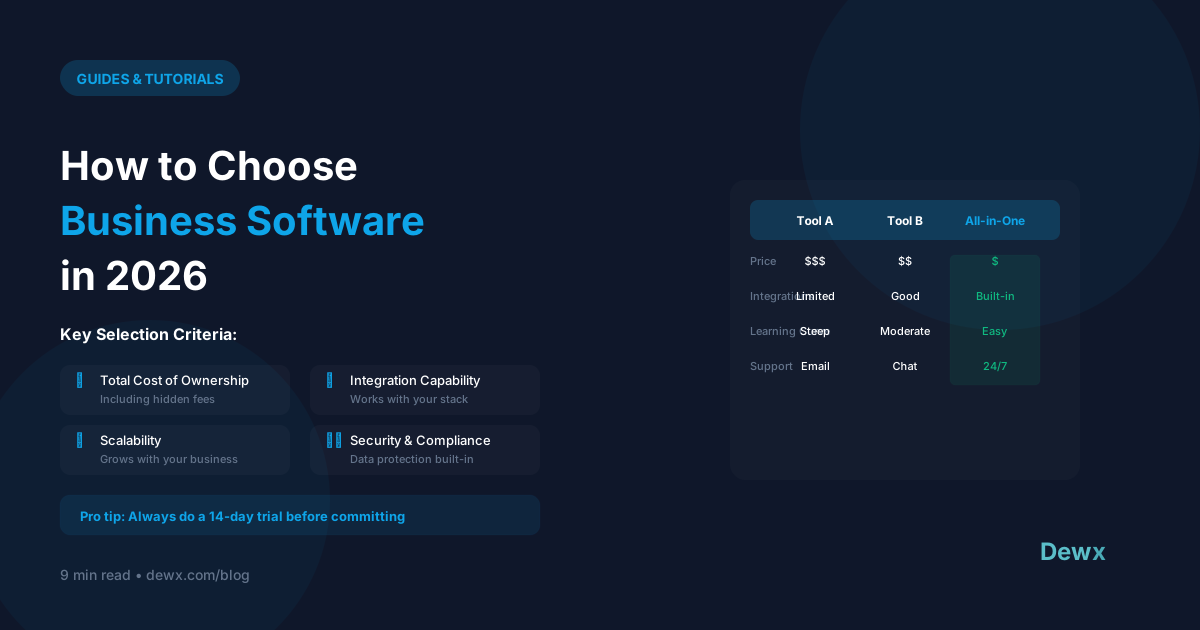
How to Choose Business Software in 2026
There are 30,000+ SaaS products. Here's how to choose wisely.
The Evaluation Framework
Step 1: Define the Problem
Before looking at solutions:
- What specific problem are you solving?
- What does success look like?
- What's the cost of NOT solving this?
Write it down. Be specific.
Step 2: List Must-Haves vs Nice-to-Haves
Must-Haves: Deal-breakers if missing Nice-to-Haves: Would be great, but not essential
Be ruthless. Most "must-haves" are actually nice-to-haves.
Step 3: Consider Integration Needs
What other tools must it connect with?
- Email/calendar
- Existing CRM
- Accounting software
- Communication tools
Step 4: Evaluate Pricing Honestly
Calculate Total Cost of Ownership:
- Monthly/annual subscription
- Per-user costs as you grow
- Add-on features you'll need
- Implementation/training time
- Integration costs
The Evaluation Matrix
| Criteria | Weight | Tool A | Tool B | Tool C |
|---|---|---|---|---|
| Must-have 1 | 10 | 8 | 9 | 7 |
| Must-have 2 | 10 | 9 | 7 | 8 |
| Integration | 8 | 7 | 9 | 6 |
| Price | 7 | 8 | 6 | 9 |
| Ease of use | 6 | 9 | 7 | 8 |
| Total | 178 | 168 | 166 |
Red Flags to Watch
1. Feature Bloat
Tools with 100 features you'll use 5 of.
2. Pricing Tricks
- Low starter price, expensive scaling
- Essential features behind upgrade
- Per-user pricing that explodes
3. Poor Mobile Experience
If you need mobile access, test it thoroughly.
4. Vendor Lock-in
- No data export
- Proprietary formats
- High switching costs
5. Support Issues
- No clear support channels
- Slow response times
- Pay-for-support models
Evaluation Process
Week 1: Research
- Define requirements
- Create shortlist (3-5 options)
- Review G2/Capterra reviews
Week 2: Demo
- Book demos with finalists
- Prepare specific questions
- Involve key users
Week 3: Trial
- Test with real workflows
- Identify deal-breakers
- Check integration reality
Week 4: Decide
- Score options
- Make decision
- Plan implementation
Questions to Ask Vendors
- What's your uptime SLA?
- How do you handle data security?
- What's the real cost at our scale?
- How does data export work?
- What support is included?
- What's on your roadmap?
- Can we talk to similar customers?
2026 Software Trends
Trend 1: Consolidation
All-in-one platforms replacing tool sprawl.
Trend 2: AI Integration
Expect AI features in every category.
Trend 3: Usage-Based Pricing
Pay for what you use, not user seats.
Trend 4: API-First
Integration capabilities are table stakes.
The Consolidation Question
Before adding another tool, ask:
- Could an existing tool do this?
- Could we replace multiple tools with one?
- Is the benefit worth another login/subscription?
Sometimes the best software decision is NOT adding more software.
Dewx's Approach
Dewx consolidates multiple tools into one platform:
- Unified inbox (replaces email apps)
- CRM (replaces separate CRM)
- Operations (replaces HR/finance tools)
- AI assistant (replaces standalone AI)
One subscription. One login. One data source.
Simplify your software. Explore Dewx.