
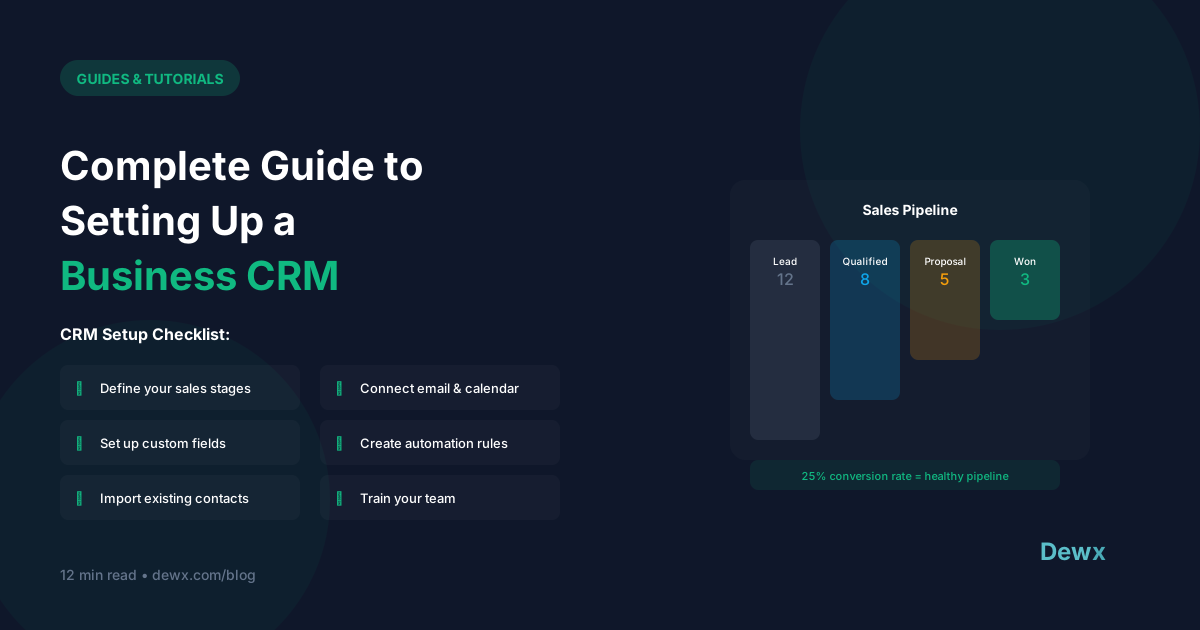
Complete Guide to Setting Up a Business CRM
A CRM is the backbone of customer relationships. Here's how to set one up right.
What is a CRM?
Customer Relationship Management (CRM) is software that:
- Tracks all customer interactions
- Manages sales pipeline
- Stores contact information
- Enables team collaboration
- Provides insights and reporting
Choosing Your CRM
Questions to Ask:
Team Size
- Solo/small: Simpler is better
- Growing team: Need collaboration features
- Large: Enterprise features
Budget
- Free: HubSpot Free, Zoho Free
- Budget: Pipedrive, Less Annoying CRM
- Mid-tier: HubSpot Starter, Salesforce Essentials
- Enterprise: Salesforce, HubSpot Enterprise
Integration Needs
- What tools must connect?
- Email integration critical?
- Marketing automation needed?
Complexity Tolerance
- Want simplicity? Pipedrive, Less Annoying
- Need customization? Salesforce, HubSpot
CRM Comparison
| CRM | Best For | Starting Price |
|---|---|---|
| HubSpot | Growing businesses | Free - $50/mo |
| Pipedrive | Sales-focused teams | $15/user/mo |
| Salesforce | Enterprise | $25/user/mo |
| Zoho | Budget-conscious | Free - $20/mo |
| Dewx GTM | Unified platform users | Part of Dewx |
CRM Setup: Step-by-Step
Step 1: Define Your Pipeline (Day 1)
Create stages that match YOUR sales process:
Example B2B Pipeline:
- Lead → 2. Qualified → 3. Meeting → 4. Proposal → 5. Negotiation → 6. Won/Lost
Example Service Business:
- Inquiry → 2. Consulted → 3. Quoted → 4. Awaiting Decision → 5. Booked/Lost
Step 2: Customize Fields (Day 1-2)
Add fields you'll actually use:
- Contact: Phone, email, company, role
- Company: Size, industry, location
- Deal: Value, close date, probability
- Custom: Anything specific to your business
Tip: Start minimal. Add fields as you need them.
Step 3: Import Existing Data (Day 2-3)
Prepare your data:
- Export from current system/spreadsheet
- Clean duplicates and errors
- Map fields to CRM fields
- Import in batches
- Verify accuracy
Step 4: Set Up Integrations (Day 3-4)
Connect essential tools:
- Email (Gmail/Outlook)
- Calendar
- Communication tools
- Marketing platform
Step 5: Create Workflows (Day 4-5)
Basic automations:
- New lead notification
- Follow-up reminders
- Deal stage change triggers
- Task creation rules
Step 6: Train Your Team (Day 5-7)
Cover:
- Basic navigation
- Adding/editing contacts
- Managing deals
- Using reports
- When to log activities
CRM Best Practices
Data Hygiene
- Enter data immediately (not "later")
- Use consistent formatting
- Regular duplicate cleanup
- Archive old records
Activity Logging
- Log calls and emails
- Note key conversation points
- Set follow-up tasks
- Track touchpoints
Pipeline Management
- Weekly pipeline reviews
- Update deal stages promptly
- Keep close dates realistic
- Note loss reasons
Common CRM Mistakes
- Over-customizing before using it
- Not using it consistently
- Poor data entry habits
- Ignoring reports and insights
- No integration with communication
The Unified Approach
Traditional CRMs require manual data entry from your inbox.
Dewx GTM Hub integrates CRM with your unified inbox:
- Contacts auto-created from conversations
- Activities logged automatically
- Full communication history on every contact
- No data entry. Conversations become CRM data
Ready for CRM without the busywork? Try Dewx.