
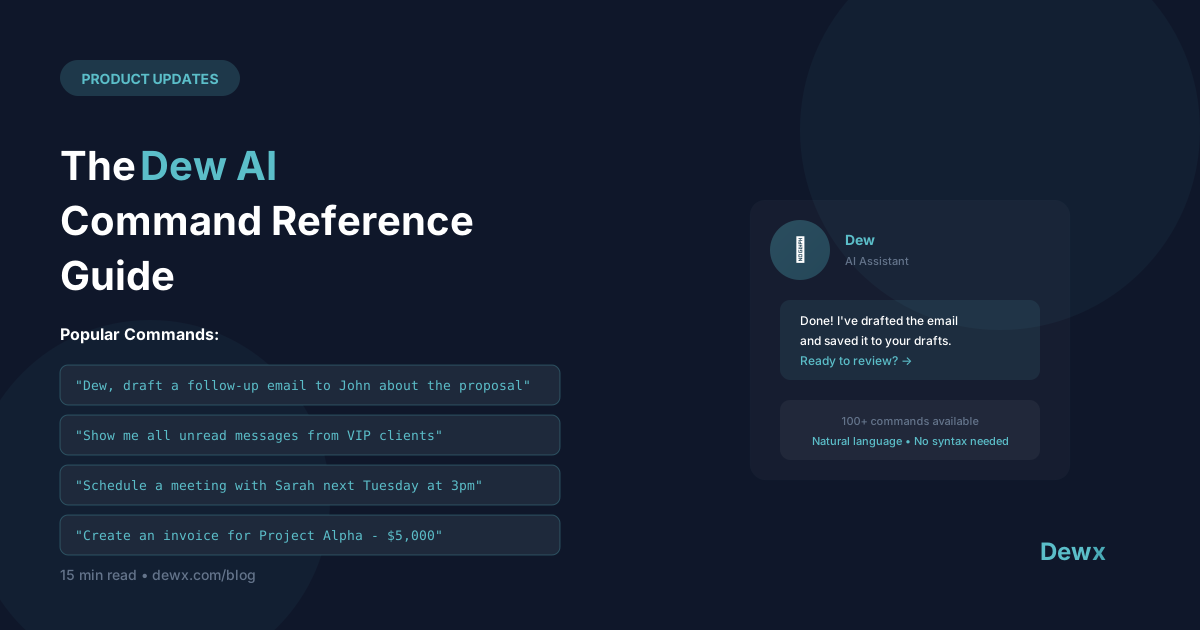
The Dew AI Command Reference Guide
Dew is your AI business assistant. Here's everything you can ask.
Communication Commands
Drafting Messages
- "Draft an email to [contact] about [topic]"
- "Write a follow-up to [contact]"
- "Reply to this message professionally"
- "Draft a thank you note for [person]"
Summarizing
- "Summarize my conversation with [contact]"
- "What did we discuss with [company] last month?"
- "Give me key points from this thread"
Searching
- "Find all messages from [contact]"
- "Search for messages about [topic]"
- "Show unread messages from today"
Calendar Commands
Scheduling
- "Schedule a call with [contact] next week"
- "Find a time for a 30-minute meeting with [person]"
- "Block my calendar tomorrow morning"
- "Move my 2pm meeting to Thursday"
Viewing
- "What's on my calendar today?"
- "When is my next meeting with [contact]?"
- "Show me next week's schedule"
Reminders
- "Remind me to call [contact] tomorrow"
- "Set a reminder for [task] at [time]"
CRM Commands
Contacts
- "Create a contact for [name] at [company]"
- "Show me [contact]'s profile"
- "Add a note to [contact]: [note]"
- "What's my history with [contact]?"
Pipeline
- "Show my pipeline"
- "What deals are closing this month?"
- "Move [deal] to negotiation stage"
- "Update [deal] value to [amount]"
Tasks
- "Create a task to follow up with [contact]"
- "What tasks are due today?"
- "Mark [task] as complete"
Reporting Commands
Quick Stats
- "How many deals did I close this month?"
- "What's my pipeline value?"
- "How many messages did I send this week?"
Insights
- "Who haven't I talked to recently?"
- "Which deals are at risk?"
- "Show me my busiest contacts"
Productivity Commands
Daily Briefing
- "Give me my morning briefing"
- "What's important today?"
- "Catch me up on overnight messages"
Prioritization
- "What should I focus on today?"
- "Prioritize my inbox"
- "What's urgent?"
Best Practices
Be Specific
Less effective: "Send an email" More effective: "Draft an email to Sarah about rescheduling our call to next Tuesday"
Include Context
Less effective: "Follow up" More effective: "Draft a follow-up email to John about the proposal I sent last week"
Use Names
Dew knows your contacts. Use their names for better results.
Iterate
If the first response isn't right, ask Dew to adjust:
- "Make it shorter"
- "More formal"
- "Add a call to action"
Tips by Role
Sales
- "Show deals closing this week"
- "Draft a follow-up for all proposals sent last week"
- "Who should I call today?"
Consultants
- "Schedule discovery call with [lead]"
- "Draft proposal for [client project]"
- "What's outstanding with [client]?"
Agency Owners
- "Summarize status of all active clients"
- "Draft check-in emails for all retainer clients"
- "Who needs attention?"
Learning More
Dew learns from your patterns. The more you use it:
- Drafts match your style better
- Suggestions become more relevant
- Commands require less detail
Feedback
Help Dew improve:
- Click thumbs up/down on suggestions
- Report issues via in-app feedback
- Request new capabilities
Start commanding. Use Dew in Dewx.