
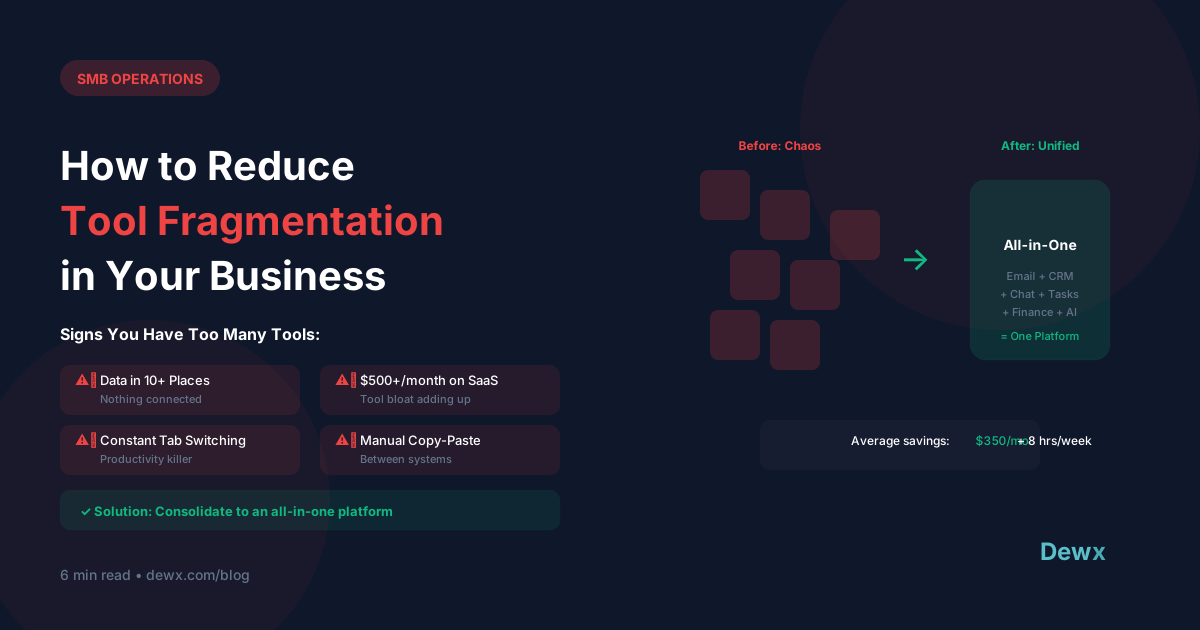
How to Reduce Tool Fragmentation in Your Business
The average small business uses 10-15 different SaaS tools. Most of them don't talk to each other. Here's how to fix that.
The True Cost of Fragmentation
Direct Costs
- Multiple subscriptions: $300-800/month
- Integration tools (Zapier etc.): $50-200/month
- IT maintenance and support
Hidden Costs
- Time lost to context switching: 2+ hours/day
- Training on multiple platforms
- Data sync errors and duplicates
- Security risks from multiple logins
Opportunity Costs
- Insights lost in data silos
- Slower decision-making
- Reduced team collaboration
Signs You Need Consolidation
- You use 3+ tools for the same function
- Data is copied manually between systems
- Team members use different tools for same tasks
- You've lost track of all your subscriptions
- Integrations frequently break
- New team members take weeks to onboard
The Consolidation Framework
Step 1: Audit Your Current Stack
Create a spreadsheet:
| Tool | Function | Monthly Cost | Users | Critical? |
|---|
Step 2: Map Core Functions
What do you actually need?
- Communication (email, messaging)
- Customer management (CRM)
- Project/task management
- Finance/invoicing
- HR/team management
- Marketing/content
Step 3: Identify Overlaps
Look for:
- Multiple tools doing same thing
- Tools with features you don't use
- Tools that could be replaced by features in another
Step 4: Evaluate Consolidation Options
Option A: All-in-One Platform Replace multiple tools with one unified platform.
- Pros: One login, native integrations, lower cost
- Cons: May lack specialized features
Option B: Core + Specialists Use one platform for core functions + specialists where needed.
- Pros: Best-of-breed where it matters
- Cons: Still some fragmentation
Option C: Integration Layer Keep tools but connect with Zapier/Make.
- Pros: Keep what works
- Cons: Integration maintenance, data delays
Step 5: Plan the Migration
- Start with least critical tool
- Migrate data carefully
- Run parallel systems temporarily
- Train team before full cutover
- Document new workflows
The All-in-One Approach
Dewx was built to solve tool fragmentation:
| Separate Tools | Dewx Equivalent |
|---|---|
| WhatsApp + LinkedIn + Gmail | Portal (Unified Inbox) |
| HubSpot/Salesforce | GTM Hub (CRM) |
| Asana/Monday | Tasks & Projects |
| QuickBooks | OPS Hub (Finance) |
| BambooHR | OPS Hub (HR) |
One platform. One subscription. One login.
Ready to consolidate? Start with Dewx.