
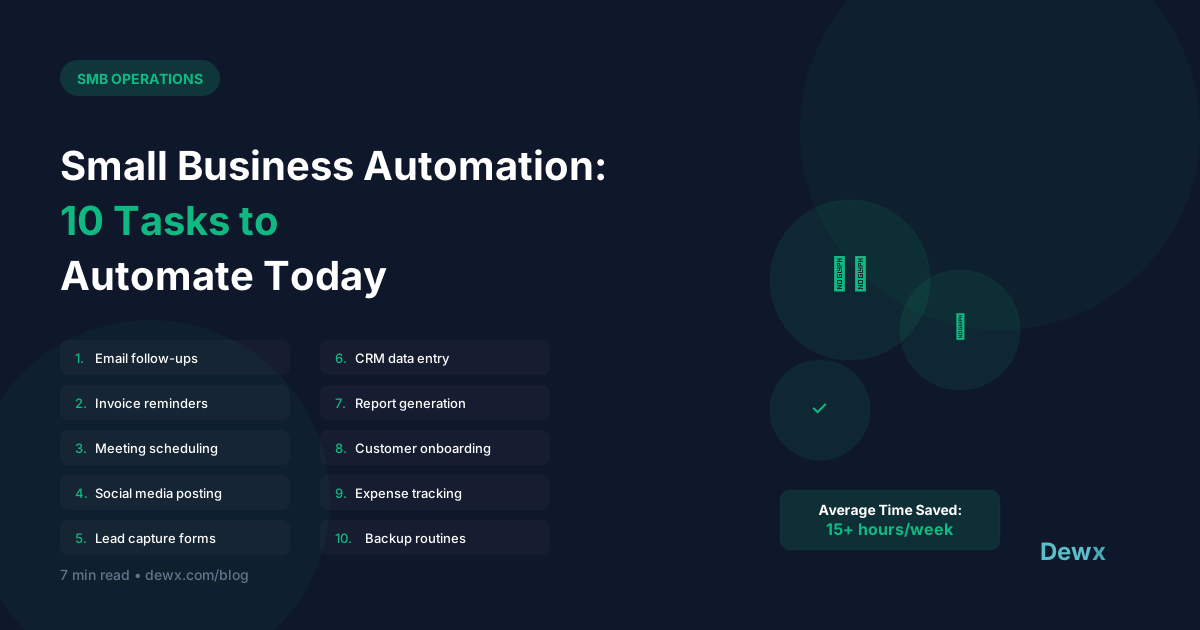
Small Business Automation: 10 Tasks to Automate Today
Time is your most valuable resource. Here are 10 tasks you're probably doing manually that should be automated.
1. Email Follow-ups
The manual way: Remembering to follow up, writing each email The automated way: Sequence triggers based on time or action
Setup tip: Create a 3-email sequence for leads who don't respond. Let automation handle the timing.
2. Meeting Scheduling
The manual way: Back-and-forth emails to find a time The automated way: Calendar booking links with availability
Setup tip: Use Calendly, Cal.com, or Dewx scheduling to let people book directly.
3. Invoice Reminders
The manual way: Checking who's overdue, sending manual reminders The automated way: Automatic reminders at set intervals
Setup tip: Schedule reminders at 7 days, 14 days, and 30 days overdue.
4. Social Media Posting
The manual way: Posting manually across platforms The automated way: Scheduled posts via Buffer, Later, or native scheduling
Setup tip: Batch content creation weekly, schedule for the month.
5. Lead Capture to CRM
The manual way: Copy-paste from forms to spreadsheet/CRM The automated way: Form submissions auto-create CRM records
Setup tip: Connect your forms directly to your CRM or use Dewx's native forms.
6. Welcome Emails
The manual way: Manually sending welcome notes to new signups The automated way: Trigger-based welcome sequence
Setup tip: Send within 5 minutes of signup for best engagement.
7. Appointment Reminders
The manual way: Calling or texting before appointments The automated way: Automated SMS/email reminders
Setup tip: Send reminders 24 hours and 1 hour before appointments.
8. Data Backup
The manual way: Remembering to backup files The automated way: Scheduled cloud backups
Setup tip: Daily incremental, weekly full backups to cloud storage.
9. Report Generation
The manual way: Pulling data and creating reports The automated way: Scheduled reports delivered to your inbox
Setup tip: Set up weekly dashboards for key metrics.
10. Customer Feedback Requests
The manual way: Sending review requests one by one The automated way: Triggered requests after purchase/delivery
Setup tip: Send 3-7 days after positive interaction.
Getting Started with Automation
Start Small
Pick the task that wastes the most time. Automate that first.
Use the Right Tools
- All-in-one: Dewx (automation built into business OS)
- Connectors: Zapier, Make (connect separate tools)
- Specialized: Calendly (scheduling), Mailchimp (email)
Test Before Full Launch
Run automations in test mode. Check for edge cases.
Monitor and Adjust
Automation isn't set-and-forget. Review performance monthly.
The Dewx Advantage
Dewx includes automation across all business functions:
- AI drafts follow-up messages
- Automatic CRM updates from conversations
- Scheduled reminders and tasks
- Cross-channel automation triggers
Ready to automate? Start with Dewx.