
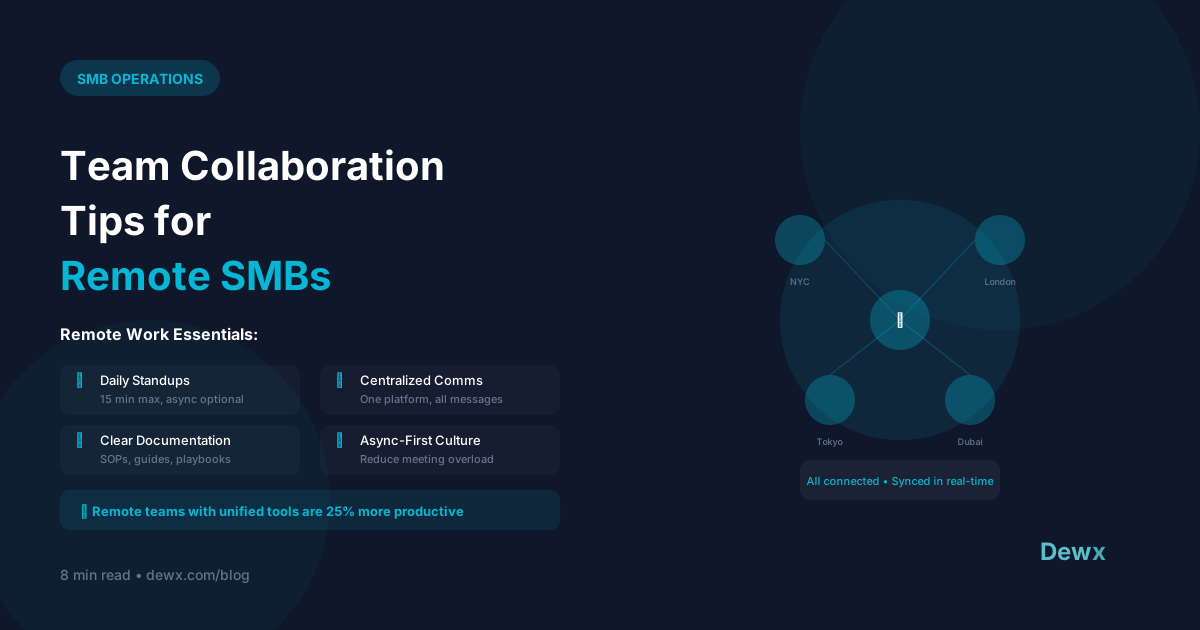
Team Collaboration Tips for Remote SMBs
Remote work isn't going away. Here's how to make distributed collaboration actually work.
The Remote Challenge
Remote teams struggle with:
- Communication gaps
- Isolation and disconnection
- Timezone coordination
- Project visibility
- Culture maintenance
Building Remote Collaboration
1. Establish Communication Norms
Define channels and purposes:
- Slack/Teams: Quick questions, social chat
- Email: External communication, formal requests
- Project tool: Task updates, project discussions
- Calls: Complex topics, relationship building
Set response expectations:
- Urgent: 1 hour
- Normal: 4 hours (during work hours)
- Non-urgent: 24 hours
2. Document Everything
Remote teams can't tap someone on the shoulder. Create a documentation culture:
- Meeting notes (always)
- Decision logs
- Process documentation
- Shared knowledge base
3. Over-Communicate Proactively
The watercooler doesn't exist remotely. Replace it:
- Daily standups (async or sync)
- Weekly team updates
- Regular 1:1s
- Wins/kudos channels
4. Create Structure, Allow Flexibility
Non-negotiables:
- Core collaboration hours (e.g., 10 AM - 2 PM overlap)
- Attendance at key meetings
- Response time standards
Flexible:
- Start/end times
- Work location
- Break scheduling
5. Invest in Relationships
Remote doesn't mean isolated:
- Virtual coffee chats
- Online team activities
- Occasional in-person gatherings
- Celebrate milestones publicly
Tools for Remote Collaboration
Communication Stack
- Sync chat: Slack, Microsoft Teams
- Async video: Loom, Vidyard
- Video calls: Zoom, Google Meet
Project Management
- Tasks: Asana, Monday, Notion
- Docs: Google Docs, Notion
- Files: Google Drive, Dropbox
The Consolidation Opportunity
Multiple tools create friction. Consider unified platforms that include:
- Messaging
- Tasks and projects
- Document collaboration
- Meeting scheduling
Dewx brings communication and operations into one platform, reducing the tool sprawl that plagues remote teams.
Remote Meeting Best Practices
Default to Async
Can this be an email or doc? Don't schedule a meeting.
When You Do Meet
- Have a clear agenda
- Start and end on time
- Assign action items
- Record for absent team members
Meeting-Free Days
Designate days for deep work. Protect them fiercely.
Measuring Remote Team Health
Track these metrics:
- Response times
- Project completion rates
- Employee satisfaction (regular surveys)
- Tool adoption rates
- Meeting hours (aim to reduce)
Building a remote team? See how Dewx helps.