
Complete Guide to WhatsApp Business Integration in 2025
WhatsApp Business has become essential for customer communication. With over 2 billion users, it's where your customers already are. Here's how to make the most of it.
Why WhatsApp Business Matters
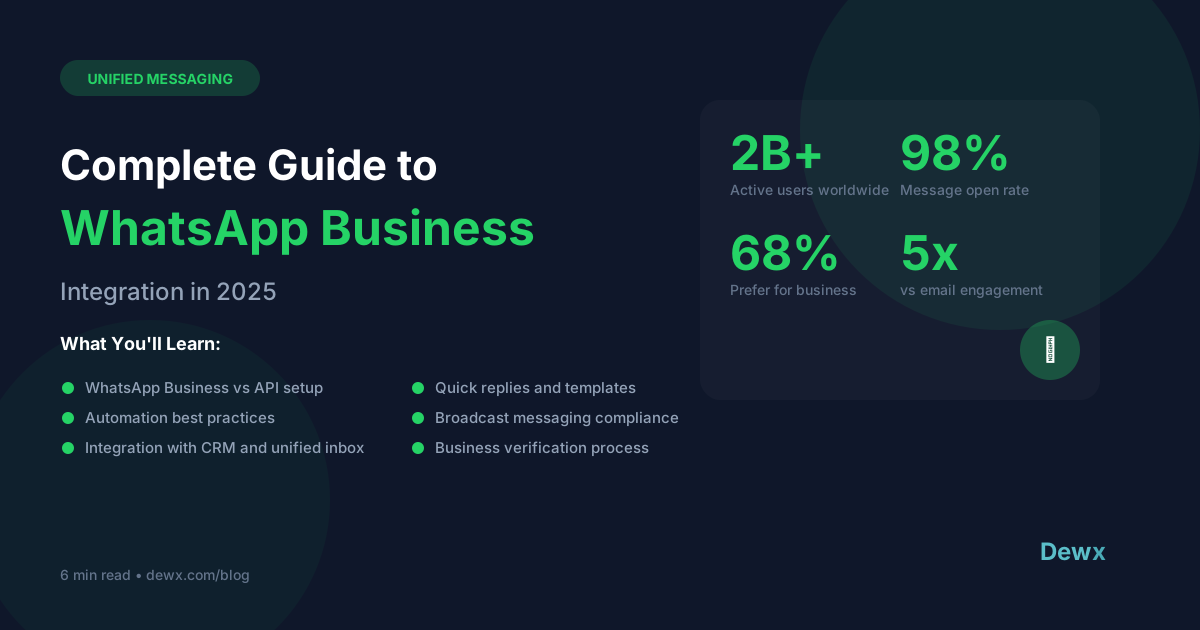
- 98% open rate (compared to 20% for email)
- Customers prefer it - 68% of users say WhatsApp is the easiest way to contact a business
- Global reach - Popular in Europe, Asia, Latin America, and Africa
Setting Up WhatsApp Business
Step 1: Choose Your Solution
- WhatsApp Business App - Free, for small businesses
- WhatsApp Business API - For scale, requires a provider
- Unified Platforms - Like Dewx, which integrates WhatsApp with your other channels
Step 2: Verify Your Business
WhatsApp requires business verification for API access. You'll need:
- Business registration documents
- A working website
- A phone number for verification
Step 3: Set Up Your Profile
- Business name and description
- Address and hours
- Catalog of products/services
WhatsApp Automation Best Practices
1. Welcome Messages
Set up automatic greetings for new conversations. Keep it personal but efficient.
2. Quick Replies
Create templates for common questions. Saves hours of typing the same thing.
3. Away Messages
Let customers know when you're unavailable and when they can expect a response.
4. Broadcast Lists
Send updates to multiple customers at once (with their consent).
Integrating with Your Business
The real power comes from integration. When WhatsApp connects to your CRM:
- Contact history is available instantly
- Messages can trigger automations
- Team members can collaborate on responses
Dewx + WhatsApp
Dewx brings WhatsApp into your unified inbox alongside LinkedIn, Gmail, and more. One place to manage all conversations, with AI to help you respond faster.
Ready to unify your messaging? Join the Dewx beta.